8 min read • 1,632 words
Can Your Webcam Turn On by Itself?
In today’s digital age, the question “Can Your Webcam Turn On by Itself?” is more relevant than ever. With the increasing reliance on video conferencing and online communication, webcams have become essential tools for both personal and professional interactions. However, this convenience comes with significant risks, as malicious actors can exploit vulnerabilities in software to gain unauthorized access to your webcam. This article will delve into the potential threats posed by malware and hacking, highlighting the importance of being vigilant about your webcam’s security.
Understanding how webcams can be compromised is crucial for safeguarding your privacy. Many operating systems now include built-in indicators to alert users when their webcam is active, and physical indicators like LED lights serve as additional safeguards. By staying informed and regularly updating your software, you can significantly reduce the risk of unauthorized webcam access and protect your personal information from prying eyes.
Understanding Webcam Functionality
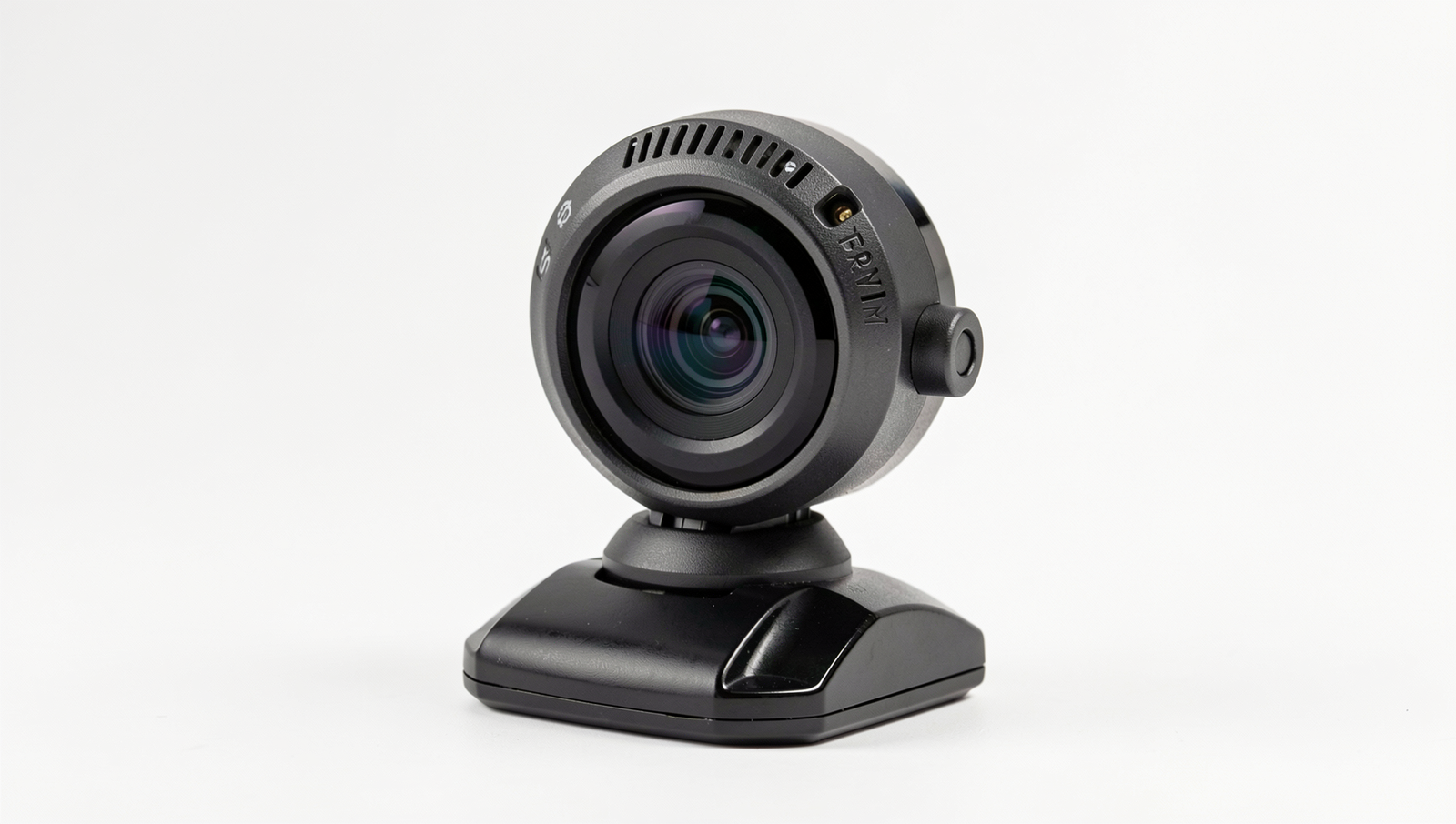
Webcams are essential tools in today’s digital landscape, serving various purposes from video conferencing to streaming. Understanding how they operate can help users feel more secure about their privacy and the technology they use. A webcam typically consists of a lens, image sensor, and a microphone, all of which work together to capture and transmit video and audio data.
Common uses of webcams in daily life include:
- Video calls with family and friends through platforms like Zoom or Skype.
- Online education, allowing students to attend classes remotely.
- Live streaming for gamers and content creators on platforms like Twitch.
- Surveillance and security monitoring for homes and businesses.
At the heart of a webcam’s functionality are its technical components. The lens focuses light onto the image sensor, which converts the light into electrical signals. These signals are then processed to create a digital video stream. The microphone captures audio, allowing for a complete communication experience. Most webcams also include built-in software that helps manage video quality and settings.
Webcams connect to devices primarily through USB ports, making them easy to use with computers and laptops. Some modern webcams can connect wirelessly via Wi-Fi or Bluetooth, providing more flexibility in placement and usage. When a webcam is connected, it is typically recognized by the operating system, allowing users to select it as a video source in various applications.
Despite their usefulness, many users worry about privacy concerns, particularly the question: Can Your Webcam Turn On by Itself? While it is technically possible for malware to activate a webcam without the user’s consent, such instances are rare. Ensuring that your device has updated security software and being cautious about the applications you install can help mitigate these risks.
Potential Causes for Webcam Activation
The question “Can Your Webcam Turn On by Itself?” raises concerns about privacy and security. Understanding the potential causes for unintended webcam activation is crucial in safeguarding your personal information. Here are some of the most common reasons why this might occur:
- Malware and Spyware Risks: One of the most alarming reasons for a webcam turning on unexpectedly is the presence of malware or spyware on your device. Certain malicious programs are designed to take control of your webcam without your knowledge. They can be installed through phishing emails, malicious downloads, or compromised websites. Once activated, these programs can capture video and audio, posing a significant threat to your privacy.
- Software Glitches and Updates: Sometimes, software updates or glitches can cause your webcam to activate inadvertently. For instance, a faulty application or an update that hasn’t been properly installed may trigger the webcam. This is often a benign issue, but it can be unsettling. Regularly updating your software and checking for known issues can help mitigate this risk.
- User Error and Accidental Activation: Users may accidentally turn on their webcams without realizing it. This can happen when an application that requires camera access is opened, or when settings are misconfigured. For example, video conferencing tools often request access to your webcam, and if you forget to close the application, it may remain active.
- Remote Access Tools and Their Implications: Remote access tools, while useful for tech support and collaboration, can also lead to unauthorized webcam access. If a remote access tool is installed without your consent, it can allow someone else to control your device, including the webcam. It’s essential to ensure that you only use trusted software and to regularly review installed applications.
By being aware of these potential causes, users can take proactive steps to protect their privacy and ensure that their webcams are not activated without their consent.
Signs Your Webcam May Be Compromised
When it comes to the security of your devices, one of the most concerning issues is whether your webcam can turn on by itself. This situation can lead to serious privacy violations, and it’s crucial to be aware of the signs that may indicate your webcam has been compromised. Here are some key indicators to watch for:
- Unexpected Indicator Light Behavior: Most webcams have an indicator light that turns on when the camera is active. If you notice that this light turns on without your knowledge or when you are not using the camera, it could be a sign of unauthorized access.
- Unusual Software Activity or Processes: Regularly check your task manager or system monitor for any unfamiliar applications running in the background. If you see processes that you do not recognize, especially those that may be linked to webcam usage, it could indicate a security breach.
- Unrecognized Applications Accessing the Webcam: Many operating systems allow you to see which applications have permission to access your webcam. If you find applications that you did not install or authorize, it’s essential to take immediate action to remove them.
- Frequent Crashes or Slow Performance: If your computer is experiencing frequent crashes or is running slower than usual, it may be a sign that malicious software is using your resources. This can sometimes include software that controls your webcam without your consent.
For example, if you notice that your webcam light turns on while you are browsing the internet or using applications that do not require the camera, it’s time to investigate further. You can run a full antivirus scan to check for malware or spyware that may be controlling your webcam. Additionally, consider using a firewall to monitor incoming and outgoing connections to your device.
In conclusion, being vigilant about the signs of webcam compromise is essential for protecting your privacy. If you suspect that your webcam can turn on by itself, take immediate steps to secure your device and safeguard your personal information.
Preventive Measures and Solutions
To mitigate the risk of your webcam turning on by itself, it is essential to adopt a series of preventive measures. These strategies not only enhance your privacy but also protect your devices from potential threats. Here are some effective solutions to consider:
- Regularly update antivirus software: Keeping your antivirus software up to date is crucial in defending against malware that may attempt to access your webcam. Regular updates ensure that your software can detect and neutralize the latest threats. Schedule automatic updates or check for updates weekly to maintain optimal protection.
- Utilize webcam covers or physical blockers: One of the simplest and most effective ways to prevent unauthorized access to your webcam is by using a physical cover. Webcam covers are inexpensive and easy to use. They can be slid open when you need to use the camera and closed when it is not in use, providing a tangible barrier against spying.
- Adjust privacy settings on devices: Take the time to review and adjust the privacy settings on your devices. Most operating systems and applications allow you to control which programs can access your webcam. By limiting access to only trusted applications, you can significantly reduce the risk of unauthorized usage.
- Educate on safe browsing habits: Understanding safe browsing habits is vital in preventing malware infections. Avoid clicking on suspicious links or downloading unknown attachments. Be cautious about the websites you visit and ensure they are secure. Regularly educating yourself and others about online threats can create a safer digital environment.
By implementing these preventive measures, you can greatly reduce the likelihood of your webcam turning on by itself. Taking proactive steps not only protects your privacy but also enhances your overall cybersecurity posture. Remember, vigilance is key in today’s digital landscape.
Conclusion
In summary, the question “Can Your Webcam Turn On by Itself?” highlights important concerns regarding privacy and security in our increasingly digital world. While webcams can be activated by legitimate software for video calls and streaming, there are instances where malware or unauthorized access can lead to unwanted activation. Understanding how these devices work and the potential vulnerabilities they may have is crucial for safeguarding your privacy.
To mitigate risks, users should regularly update their software, employ strong passwords, and utilize security features such as webcam covers or indicator lights. Being proactive about your digital security can significantly reduce the chances of unauthorized access. As technology continues to evolve, staying informed and vigilant will help ensure that your webcam remains a tool for connection rather than a potential invasion of privacy.
Frequently Asked Questions
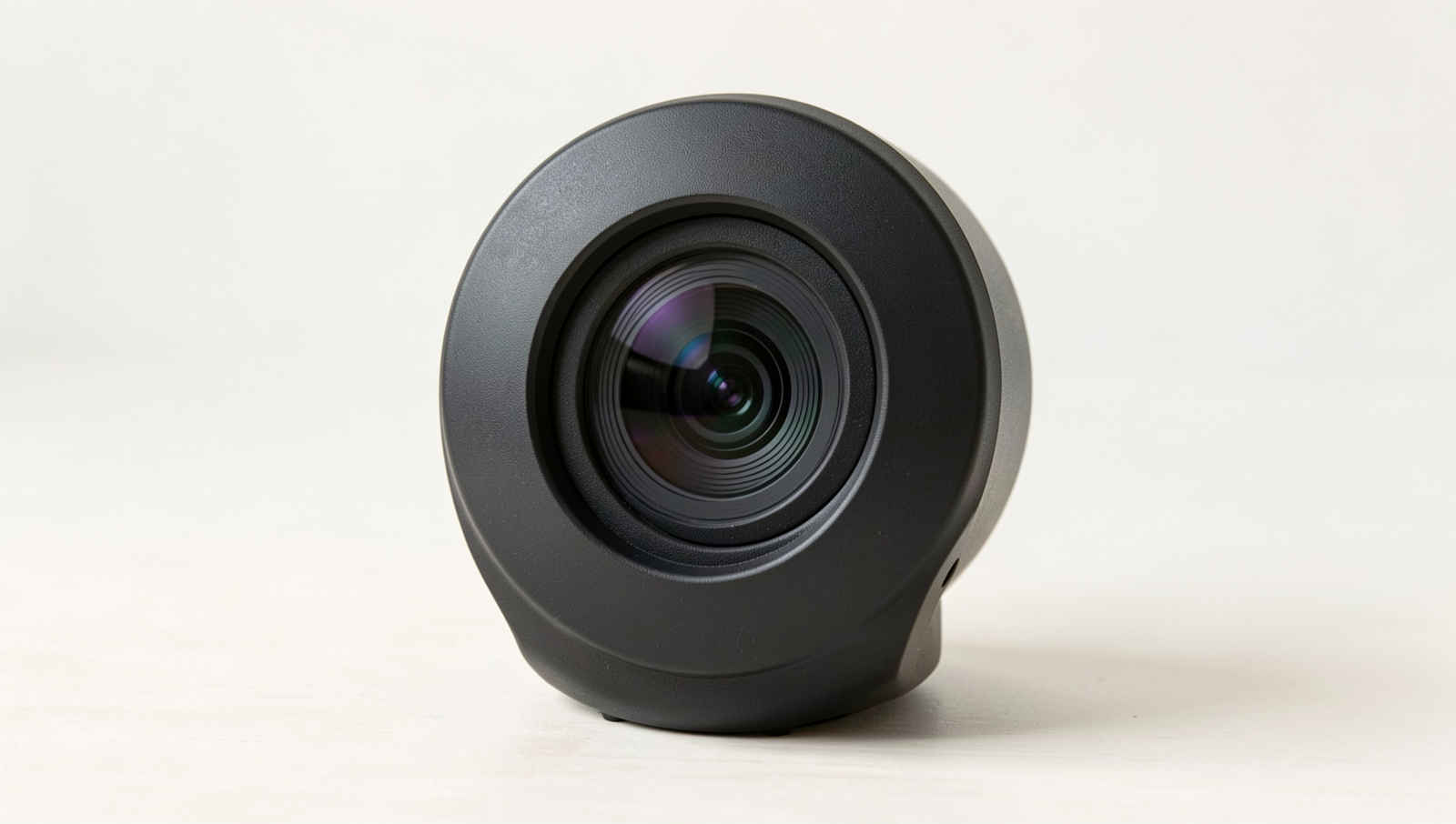
Can my webcam turn on by itself?
Yes, a webcam can turn on by itself due to software glitches or malware. Some applications may activate the camera without your explicit permission. It’s essential to keep your software updated and regularly check your settings to prevent unauthorized access.
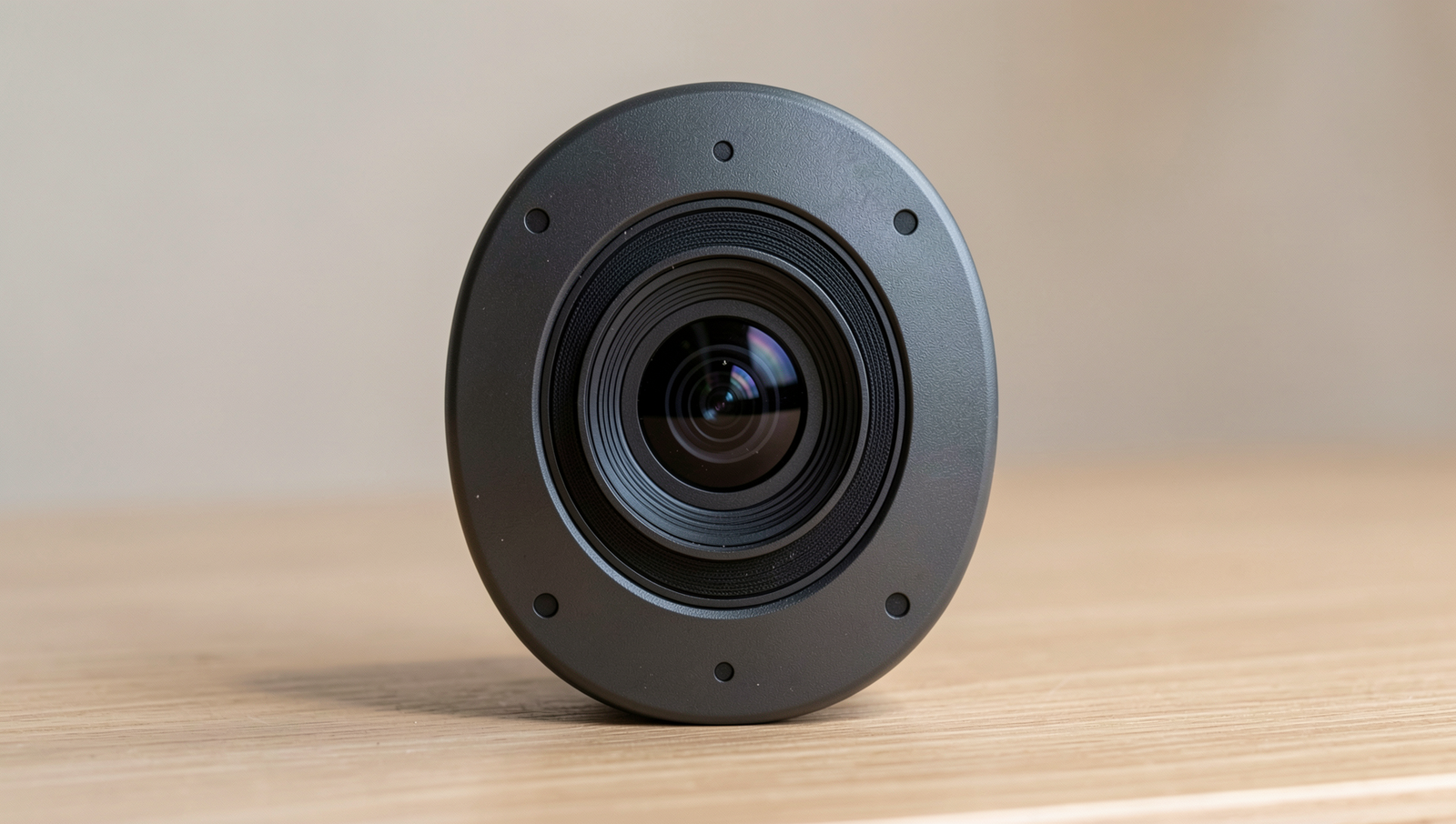
How can I tell if my webcam is on?
Most webcams have a built-in indicator light that turns on when the camera is active. Additionally, you