8 min read • 1,640 words
Table of Contents
ToggleCan Airplane Mode Save More Battery?
In today’s fast-paced digital world, battery life is a crucial concern for smartphone users. Many people often find themselves in situations where their devices are running low on power, especially during long flights or in areas with poor signal strength. This raises the question: Can Airplane Mode Save More Battery? The answer is a resounding yes. By disabling all wireless communication, airplane mode significantly reduces battery drain, allowing users to extend their device’s life when they need it most.
When activated, airplane mode can enhance battery longevity by up to 50% in low-signal areas. This is particularly beneficial for travelers, as it prevents background apps from consuming data and power while the device is searching for signals. In this article, we will explore how airplane mode works, its benefits, and practical tips for maximizing battery life during your travels.
Understanding Airplane Mode
Airplane Mode is a feature found on most smartphones, tablets, and laptops that disables all wireless communication functions. This includes cellular data, Wi-Fi, Bluetooth, and GPS. The primary function of Airplane Mode is to prevent devices from sending or receiving signals that could interfere with aircraft navigation systems during flights. However, it also serves as a useful tool for conserving battery life when connectivity is not needed.
When Airplane Mode is activated, your device disconnects from all networks, which significantly reduces battery consumption. This is particularly beneficial in situations where signal strength is weak, as devices tend to use more power trying to maintain a connection. For example, if you are in an area with poor cellular coverage, your phone will continuously search for a signal, draining the battery faster than if Airplane Mode were enabled.
- Cellular Data: Disabled in Airplane Mode, preventing battery drain from searching for a signal.
- Wi-Fi: Can be manually turned back on while in Airplane Mode, allowing for internet access without draining battery.
- Bluetooth: Also disabled, but can be reactivated for connecting to devices like headphones or smartwatches.
When comparing Airplane Mode to other power-saving modes, such as Low Power Mode on iPhones or Battery Saver on Android devices, it is important to note that Airplane Mode is more aggressive in cutting off connectivity. While other modes may limit background app activity and reduce screen brightness, Airplane Mode completely halts all wireless communications, which can lead to greater battery savings in certain situations.
Despite its benefits, there are common misconceptions about Airplane Mode. Some users believe that enabling this mode will completely shut down their device, which is not the case. Others think that Airplane Mode prevents all forms of communication, including offline activities. In reality, users can still access downloaded content, play games, or use apps that do not require an internet connection while in this mode.
Battery Consumption in Different Modes
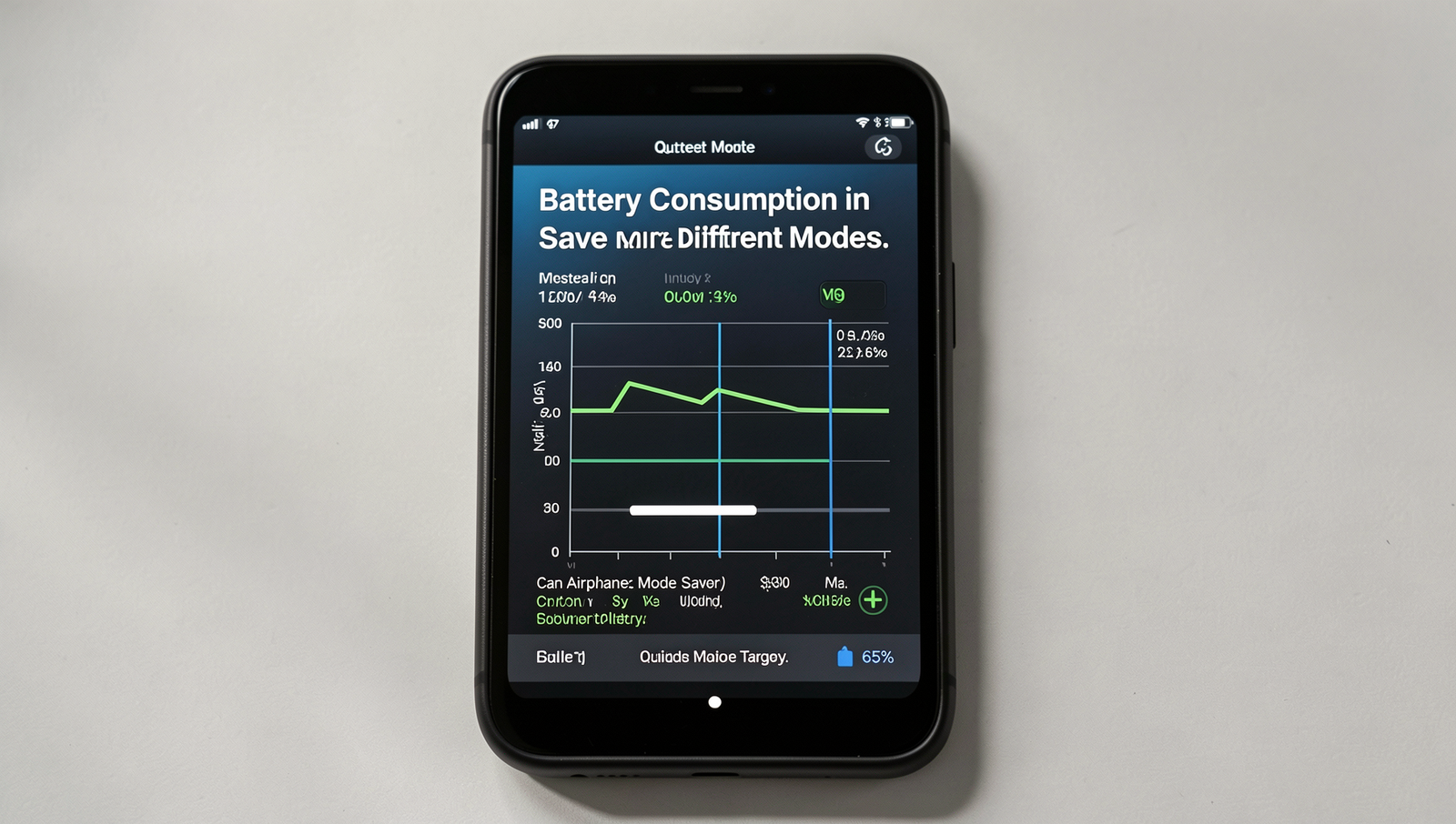
Understanding battery consumption in various modes is essential for optimizing device usage. In normal mode, smartphones and tablets actively maintain connections to cellular networks, Wi-Fi, and Bluetooth, which can significantly impact battery life. When all these features are enabled, the device constantly searches for signals and updates, leading to increased power consumption.
Wi-Fi, Bluetooth, and cellular data are the primary culprits when it comes to battery drain. For instance, using cellular data can consume more power than Wi-Fi due to the higher energy required to maintain a connection with distant cell towers. Similarly, Bluetooth, while relatively low in power consumption, can still contribute to battery usage when connected to multiple devices. Here’s a brief overview of how each feature impacts battery life:
- Cellular Data: Can drain up to 20% of battery life during active use, especially in areas with weak signals.
- Wi-Fi: Generally more efficient, but still consumes around 10% when continuously searching for networks.
- Bluetooth: Uses minimal power, but can add up if multiple devices are connected.
Statistics show that battery drain during active use can be significantly higher than during standby. For example, a device may lose about 15-20% of its battery in just an hour of active use, while standby mode might only consume 1-2% over the same period. This stark contrast highlights the importance of managing active features.
Additionally, background apps contribute to battery usage by continuously running processes, sending notifications, and syncing data. Users often overlook these apps, which can lead to unexpected battery drain. To mitigate this, it’s advisable to regularly check app settings and limit background activity.
In conclusion, understanding how different modes and features affect battery consumption can help users make informed decisions about their device usage, leading to longer battery life and improved performance.
Benefits of Using Airplane Mode
When it comes to maximizing battery life on your mobile device, one of the most effective strategies is activating Airplane Mode. This feature immediately disables all wireless communications, including cellular, Wi-Fi, and Bluetooth, leading to a significant reduction in battery drain. Users often notice a marked improvement in battery longevity once Airplane Mode is turned on, especially in situations where signal strength is weak.
There are several ideal scenarios for using Airplane Mode to save battery. For instance:
- When you are in an area with poor cellular reception, your phone works harder to maintain a signal, which drains the battery quickly.
- During long flights, where connectivity is not available, enabling Airplane Mode can help preserve battery life.
- When you are not expecting important calls or messages, such as during meetings or while sleeping, activating Airplane Mode can be beneficial.
To understand the impact of Airplane Mode on battery life, consider a comparison between battery usage with and without this feature. For example, a smartphone may last approximately 10 hours of active use without Airplane Mode. However, when Airplane Mode is enabled, users can experience up to 20 hours of battery life under similar conditions. This doubling of battery life can be crucial during extended periods away from a charger.
User testimonials further illustrate the effectiveness of Airplane Mode in conserving battery. One user reported, “I was on a long flight and turned on Airplane Mode. My battery went from 50% to 80% by the time we landed!” Another noted, “Whenever I’m in a meeting, I switch to Airplane Mode, and I can easily get through the day without needing a charge.” These experiences highlight the practical benefits of using Airplane Mode as a battery-saving tool.
Best Practices for Battery Management
When considering the question, Can Airplane Mode Save More Battery?, it’s essential to understand when to activate this feature for optimal battery life. Airplane Mode disables all wireless communications, including cellular, Wi-Fi, and Bluetooth. This can significantly reduce battery drain, especially in areas with poor signal strength where your device works harder to maintain a connection. For instance, if you’re in a location with weak cellular coverage, turning on Airplane Mode can prevent your phone from constantly searching for a signal, thereby conserving battery life.
In addition to using Airplane Mode, there are several other tips for conserving battery life on mobile devices:
- Reduce Screen Brightness: Lowering your screen brightness or enabling adaptive brightness can save a considerable amount of battery.
- Limit Background App Activity: Many apps run in the background, consuming power. Regularly check your settings to restrict background activity.
- Turn Off Location Services: GPS and location services can drain your battery quickly. Disable them when not in use.
- Close Unused Apps: Make it a habit to close apps that you are not using to prevent them from consuming resources.
Combining Airplane Mode with other settings can lead to maximum efficiency. For example, if you are traveling and don’t need to use your phone for calls or data, activate Airplane Mode and then turn off Wi-Fi and Bluetooth. This will ensure that your device is not searching for any connections, thus preserving battery life even further.
Looking ahead, future trends in battery technology promise to enhance battery efficiency significantly. Innovations such as solid-state batteries and improved energy density could lead to longer-lasting batteries, reducing the need for frequent charging. As these technologies develop, users may find that managing battery life becomes less of a concern, allowing for more seamless device usage.
Conclusion
In summary, the question “Can Airplane Mode Save More Battery?” is answered with a resounding yes. By disabling all wireless communications, including cellular, Wi-Fi, and Bluetooth, Airplane Mode significantly reduces the power consumption of your device. This is particularly beneficial in situations where charging options are limited, such as during long flights or extended periods away from power sources. Users can enjoy longer battery life, allowing for more time to use essential applications or stay connected when necessary.
To maximize the benefits of Airplane Mode, consider using it strategically. For instance, when you are in areas with poor signal reception, your device expends extra energy trying to connect. Activating Airplane Mode in such situations can help conserve battery life. Ultimately, understanding how and when to use Airplane Mode can lead to a more efficient and enjoyable experience with your mobile device.
Frequently Asked Questions
Can Airplane Mode save battery life?
Yes, Airplane Mode can save battery life by disabling all wireless communications, including cellular, Wi-Fi, and Bluetooth. This prevents your device from constantly searching for signals, which can drain the battery quickly, especially in areas with weak reception.
How much battery can I save with Airplane Mode?
The amount of battery saved by using Airplane Mode varies depending on your device and usage patterns. Generally, you can expect to extend battery life significantly, potentially by several hours, especially if you are in an area with poor cellular coverage.
Does Airplane Mode affect app functionality?
Yes, Airplane Mode disables all wireless connections, which