8 min read • 1,633 words
Table of Contents
ToggleWhat Happens When RAM Runs Out?
Understanding what happens when RAM runs out is crucial for anyone who relies on their computer for daily tasks. RAM, or Random Access Memory, plays a vital role in a system’s performance, allowing for quick access to data and applications. When the available RAM is exhausted, the operating system resorts to using disk space as virtual memory. This process is significantly slower than accessing data from RAM, leading to noticeable performance issues.
When your system runs low on RAM, you may experience application crashes, system freezes, and increased latency during multitasking. In some cases, the operating system may even terminate background processes to free up memory. This article will delve into the implications of low RAM, how it affects your computing experience, and the benefits of upgrading your RAM to enhance overall system performance and responsiveness.
Understanding RAM and Its Importance
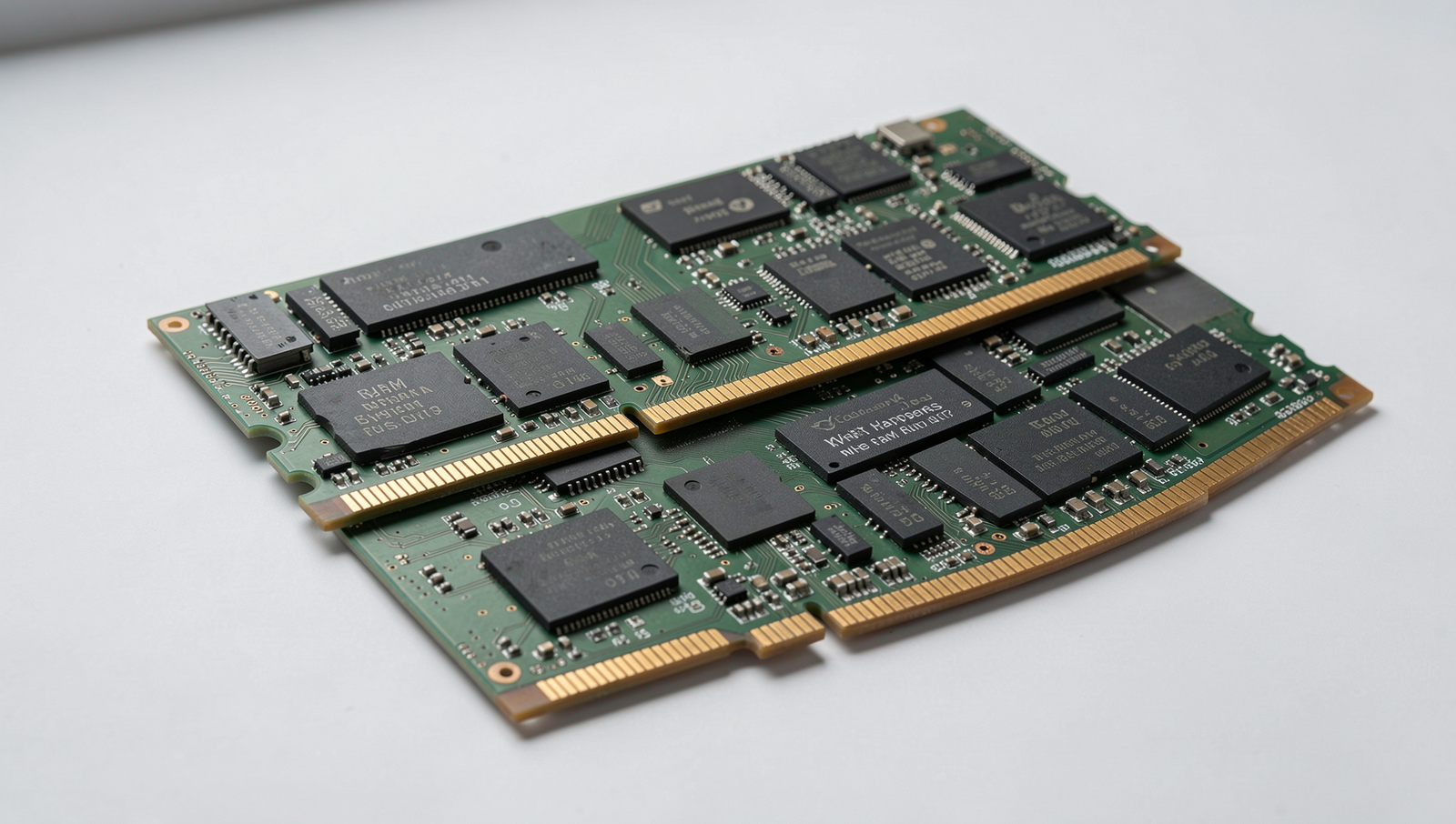
Random Access Memory (RAM) is a crucial component in computing, acting as the short-term memory of a computer. It temporarily stores data that the CPU needs to access quickly, allowing for efficient processing and multitasking. When you open applications or files, they are loaded into RAM, enabling faster access than if they were stored on a hard drive or solid-state drive. The more RAM a system has, the more data it can handle simultaneously, which significantly enhances performance.
RAM directly affects system performance and speed. When sufficient RAM is available, applications run smoothly and efficiently. However, when RAM runs low, the system may resort to using the hard drive as a temporary storage solution, which is significantly slower. This process, known as paging, can lead to noticeable slowdowns, especially when multiple applications are open. For instance, a computer with 8GB of RAM may struggle to run several resource-intensive applications at once, while a system with 16GB or more can handle them with ease.
- RAM vs. Storage: It’s essential to differentiate between RAM and storage. RAM is volatile memory, meaning it loses its data when the power is turned off, while storage devices like HDDs and SSDs retain data permanently.
- Common Misconceptions: Many users believe that having more RAM always guarantees better performance. While it can improve multitasking capabilities, other factors such as CPU speed and disk performance also play significant roles.
In summary, understanding the role of RAM in computing is vital for optimizing system performance. When RAM runs out, users may experience sluggishness, crashes, or even application failures, highlighting the importance of adequate memory for smooth computing experiences.
Signs That Your RAM Is Running Low
When your computer’s RAM is running low, it can lead to a variety of noticeable issues that affect your overall experience. Understanding these signs is crucial for maintaining optimal performance. Here are some common indicators that your RAM may be insufficient for your needs.
- Slow system performance and lagging applications: One of the first signs of low RAM is a noticeable slowdown in system performance. Applications may take longer to open, and multitasking becomes increasingly difficult. For example, switching between browser tabs or running multiple applications simultaneously can lead to frustrating delays.
- Frequent crashes or application errors: If you find that applications are crashing unexpectedly or displaying error messages, it could be a sign that your RAM is maxed out. This is particularly common in resource-intensive programs like video editors or games, where the demand for memory exceeds what is available.
- Increased use of virtual memory (paging): When RAM runs low, your operating system may start using virtual memory to compensate. This process involves using a portion of your hard drive as temporary memory, which is significantly slower than RAM. You can check this by monitoring your system’s resource usage. For example, in Windows, you can use the Task Manager to see if your system is relying heavily on paging.
- Unresponsive or freezing system behavior: A clear sign of low RAM is when your computer becomes unresponsive or freezes for extended periods. This can happen when you try to open a new application or perform a task that requires more memory than is available.
Recognizing these signs early can help you take action, whether that means closing unnecessary applications, upgrading your RAM, or optimizing your system for better performance. Understanding What Happens When RAM Runs Out? is essential for maintaining a smooth computing experience.
Consequences of Insufficient RAM
When a computer’s RAM runs out, users can experience a variety of negative consequences that significantly impact their overall experience. One of the most immediate effects is the inability to run multiple applications smoothly. For instance, if you are trying to work on a document while streaming a video and running a web browser, the system may struggle to allocate enough memory for all these tasks. This can lead to noticeable lag and unresponsiveness, making multitasking a frustrating endeavor.
In addition to multitasking issues, users may also notice increased load times for programs and files. When RAM is insufficient, the operating system resorts to using the hard drive as virtual memory, which is considerably slower. For example, opening a large application like Adobe Photoshop or a game can take much longer than usual, as the system scrambles to load data from the hard drive instead of accessing it directly from RAM.
Another serious consequence of running out of RAM is the potential for data loss during crashes or freezes. When the system becomes overwhelmed, it may crash unexpectedly, leading to unsaved work being lost. This is particularly concerning for professionals who rely on their computers for critical tasks, as a sudden freeze can result in hours of lost productivity.
The impact on gaming and resource-intensive applications is also significant. Many modern games require substantial amounts of RAM to run smoothly. If your system is low on memory, you may experience stuttering, frame drops, or even crashes during gameplay. This not only detracts from the gaming experience but can also affect competitive play, where performance is crucial.
- Inability to run multiple applications smoothly
- Increased load times for programs and files
- Potential data loss during crashes or freezes
- Impact on gaming and resource-intensive applications
Solutions and Upgrades for Low RAM Situations
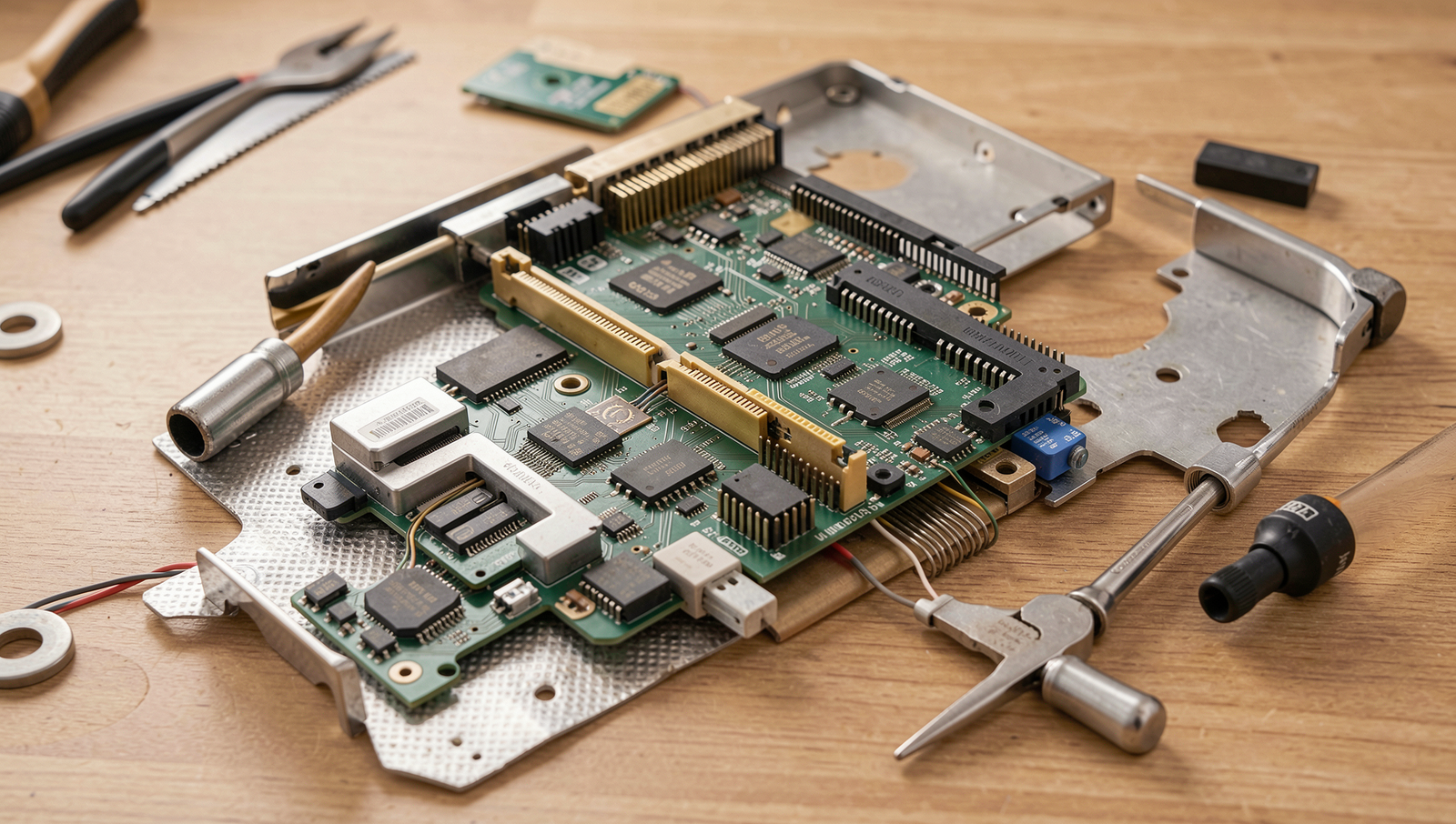
When faced with the challenges of low RAM, there are several effective solutions and upgrades to consider. The first and most straightforward approach is upgrading your RAM. To choose the right type and amount, you should first check your motherboard’s specifications to determine the maximum RAM capacity it supports. Additionally, consider the type of RAM (e.g., DDR4, DDR5) that is compatible with your system. A general recommendation is to aim for at least 8GB of RAM for standard use, while 16GB or more is ideal for gaming and heavy multitasking.
Another practical method to manage RAM usage is by optimizing system settings. This can involve disabling unnecessary startup programs that consume memory. You can manage startup applications by using the Task Manager on Windows. Simply press Ctrl + Shift + Esc to open it, navigate to the Startup tab, and disable programs that are not essential. Additionally, adjusting your system’s virtual memory settings can help alleviate RAM pressure. This can be done through the System Properties menu, where you can set a custom size for the paging file.
Using lightweight applications is another effective strategy. Many popular software programs have alternatives that are less resource-intensive. For example, instead of using Microsoft Office, you might consider using Google Docs or LibreOffice, which can perform similar tasks with lower memory usage. Additionally, web browsers like Firefox or Chrome can be optimized by limiting the number of open tabs or using extensions that manage memory more efficiently.
Finally, monitoring your RAM usage is crucial for understanding how your system performs. Built-in tools like Task Manager on Windows or Activity Monitor on macOS provide real-time insights into memory consumption. For more detailed analysis, third-party software such as RAMMap or Process Explorer can offer advanced features to track and manage RAM usage effectively.
Conclusion
Understanding what happens when RAM runs out is crucial for maintaining optimal computer performance. When the available RAM is exhausted, the system struggles to manage active processes, leading to significant slowdowns and potential crashes. This situation often forces the operating system to rely on virtual memory, which utilizes hard drive space as a temporary substitute for RAM. While this can provide a short-term solution, it is considerably slower than actual RAM, resulting in a noticeable decline in responsiveness and efficiency.
To mitigate the effects of low RAM, users can consider upgrading their hardware or optimizing their current system by closing unnecessary applications and managing startup programs. Additionally, monitoring RAM usage through system tools can help identify resource-heavy applications. By taking these steps, users can enhance their computing experience and prevent the adverse effects associated with insufficient RAM. Ultimately, being proactive about RAM management can lead to a smoother and more efficient workflow.
Frequently Asked Questions
What happens when RAM runs out?
When RAM runs out, your computer starts using the hard drive as virtual memory, which is significantly slower. This can lead to sluggish performance, longer load times, and potential application crashes as the system struggles to manage active processes and data.
Can I add more RAM to my computer?
Yes, you can often add more RAM to your computer, provided that your motherboard supports it. Check your system specifications for compatible RAM types and maximum capacity. Installation is usually straightforward, but ensure you follow proper procedures to avoid damage.
What are the signs of low RAM?
Signs of low RAM include slow system performance, frequent application crashes, and long loading times. You may also notice lag when switching between applications