8 min read • 1,631 words
Table of Contents
ToggleThe Hidden Data Inside Your Photos
Have you ever considered the hidden data in photos you take? Every image captured by a digital camera or smartphone often contains EXIF (Exchangeable Image File Format) data, which includes crucial information such as camera settings, date, and even geographical location. This metadata can provide valuable insights into the circumstances surrounding a photograph, making it an essential aspect of digital photography. Understanding this hidden data is vital, especially in an age where privacy concerns are paramount.
In this article, you will learn about the significance of EXIF data, how social media platforms may strip this information for privacy reasons, and the tools available for viewing and editing metadata on your devices. Additionally, we will explore how EXIF data can play a role in forensic investigations and why removing it can enhance your privacy when sharing images online. Stay informed and protect your digital footprint!

Understanding Metadata
Metadata is often referred to as “hidden data in photos,” and it plays a crucial role in photography. Essentially, metadata is information that describes other data. In the context of photographs, it provides details about the image, such as when and where it was taken, the camera settings used, and even the copyright information. Understanding metadata is essential for photographers, as it can help organize, manage, and enhance their photographic work.
There are several types of metadata commonly associated with images, including:
- EXIF (Exchangeable Image File Format): This type of metadata is automatically generated by digital cameras and includes technical details such as shutter speed, aperture, ISO settings, and the date and time the photo was taken.
- IPTC (International Press Telecommunications Council): This metadata standard is often used for news and media images. It includes information like captions, keywords, and copyright details, which can be crucial for licensing and distribution.
- XMP (Extensible Metadata Platform): Developed by Adobe, XMP allows for the embedding of metadata in various file formats. It supports both EXIF and IPTC data and enables more complex metadata structures.
Metadata is embedded directly into image files, making it accessible without needing separate documentation. When you take a photo, your camera automatically records this information within the file itself. This means that every time you save or share an image, the metadata travels with it, providing context and details that can be invaluable for future reference.
To view and edit metadata, several tools are available. For example, you can use software like Adobe Lightroom or Photoshop to access and modify metadata. Additionally, free tools such as ExifTool can be used in the command line:
exiftool image.jpgThis command will display all the metadata associated with the specified image file. Understanding and utilizing metadata can significantly enhance your photography experience, making it easier to manage and share your work effectively.
Exploring EXIF Data
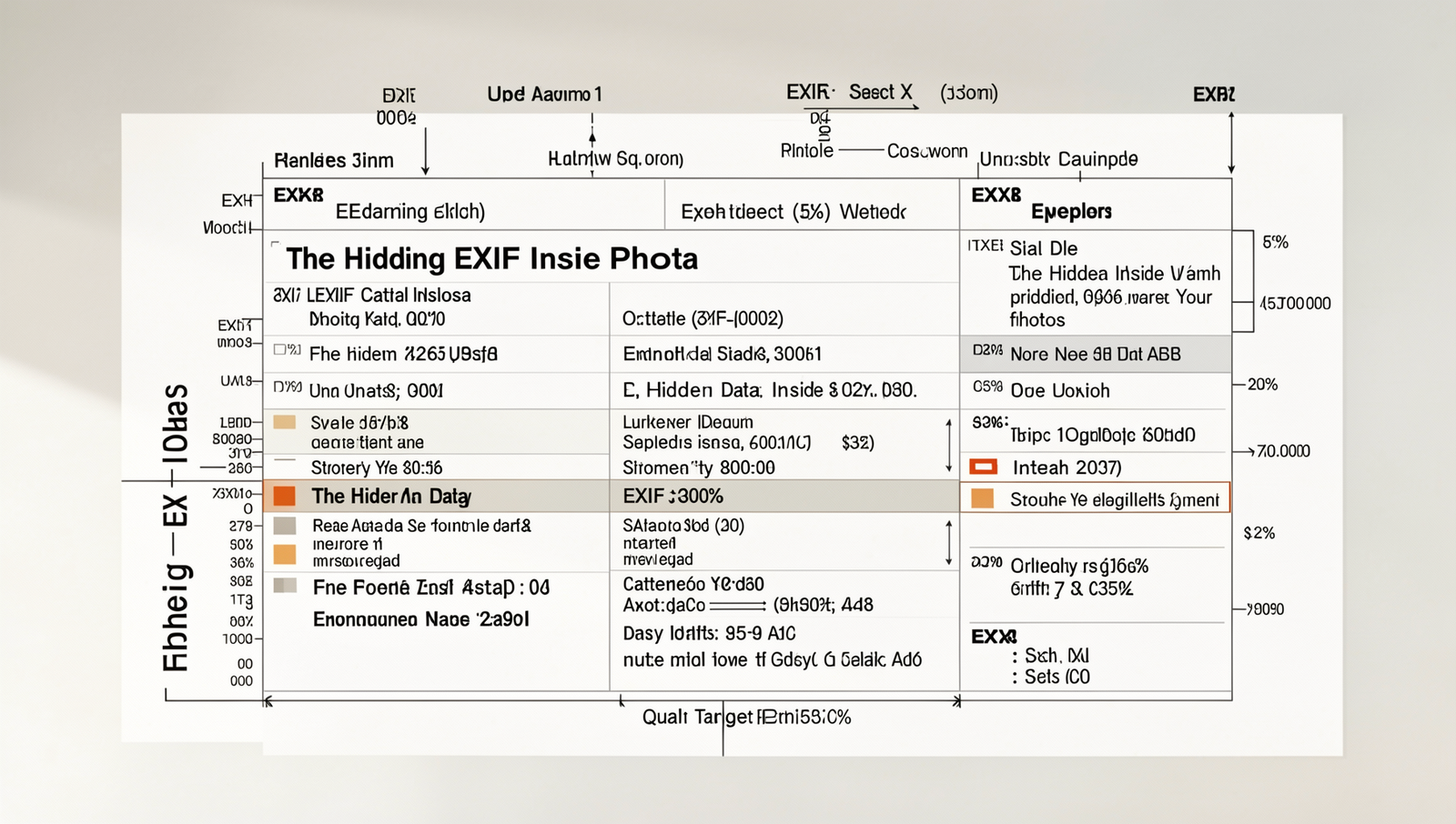
When you take a photograph, your camera or smartphone captures not just the image itself but also a wealth of information embedded within the file. This information is known as EXIF data, which stands for Exchangeable Image File Format. EXIF data plays a crucial role in images, providing context and details that can enhance the viewing experience or assist in organizing and managing photo collections.
Common EXIF tags include:
- Camera settings: This includes details such as aperture, shutter speed, ISO level, and focal length, which can be invaluable for photographers looking to analyze their techniques.
- Date and time: The exact date and time when the photo was taken are recorded, helping users to keep track of memories and events.
- Location: If location services are enabled, GPS coordinates can be embedded in the image, allowing users to pinpoint where the photo was taken.
Accessing EXIF data is relatively straightforward and varies depending on the device you are using. On a Windows computer, you can right-click on the image file, select ‘Properties,’ and then navigate to the ‘Details’ tab to view the EXIF information. On a Mac, you can open the image in Preview, go to ‘Tools,’ and select ‘Show Inspector’ to find the EXIF data. For smartphones, various apps are available that can display this hidden data in photos, such as Photo Investigator for iOS or EXIF Viewer for Android.
However, the presence of EXIF data raises important privacy and security implications. Sharing images online without removing this data can inadvertently expose sensitive information, such as your location or the specifics of your camera settings. Therefore, it is advisable to consider stripping EXIF data before sharing photos publicly. Tools like
exiftool -all= yourphoto.jpgcan help you remove this hidden data in photos, ensuring your privacy is maintained.
Using Metadata for Organization
Metadata is the hidden data in photos that can significantly enhance your ability to organize and manage your photo library. By utilizing this information, you can sort and categorize your images effectively, making it easier to find specific photos when needed. Here are some practical ways to use metadata for organization:
- Sorting by Date: Most cameras and smartphones automatically embed the date and time a photo was taken. You can sort your images chronologically, which is particularly useful for events or trips.
- Location Tagging: Geotagging allows you to see where your photos were taken. This feature can be beneficial for travel photography, enabling you to group images by location.
- Custom Tags and Keywords: Adding your own tags and keywords can help categorize images based on themes, subjects, or events. For example, you might tag photos with “vacation,” “family,” or “wedding.”
Creating a workflow for managing your photo library is essential for maintaining organization. Start by importing your images into a dedicated folder structure on your computer. From there, you can use software to read and edit the metadata. Here’s a simple workflow:
1. Import photos into a designated folder.
2. Use software to read metadata.
3. Sort images by date or location.
4. Add custom tags and keywords.
5. Regularly back up your library.
The benefits of tagging and keywording images are numerous. Not only do they make searching for specific photos easier, but they also enhance the overall organization of your library. When you have a large collection, being able to filter images based on tags can save you significant time.
For metadata management, consider using software options like Adobe Lightroom, Capture One, or even free tools like XnView. Each of these programs offers robust features for editing and managing the hidden data in photos, allowing you to streamline your photo organization process.
Ethics and Privacy Considerations
In today’s digital age, the hidden data in photos can pose significant privacy risks. When individuals share images online, they often unknowingly expose sensitive information embedded within the files. This metadata can include GPS coordinates, camera settings, and even the date and time the photo was taken. Such details can reveal a person’s location and habits, making it crucial to understand the implications of sharing photos without first reviewing their metadata.
To mitigate these risks, it is essential to adopt best practices for removing sensitive metadata before sharing images. Here are some effective strategies:
- Use photo editing software to strip metadata: Many applications allow users to remove metadata before saving or exporting images.
- Adjust camera settings: Most smartphones and cameras have options to disable location tagging in photos. Ensure this feature is turned off before capturing images.
- Utilize online tools: There are various online services that can help remove metadata from photos quickly and efficiently.
Moreover, the legal implications of using others’ photos with embedded metadata should not be overlooked. If you share or publish images without permission, you may inadvertently expose the original creator’s metadata, which could lead to copyright infringement or privacy violations. Always seek permission and consider the ethical ramifications of using someone else’s work.
Finally, the role of metadata in corporate settings cannot be underestimated. Companies often rely on metadata for organizing and managing digital assets. However, they must also be vigilant about protecting sensitive information that could be embedded in shared images. By understanding the hidden data in photos, both individuals and organizations can make informed decisions about privacy and ethics in the digital landscape.
Conclusion
In conclusion, the hidden data in photos, often referred to as metadata, plays a crucial role in understanding the context and details of an image. This data can include information such as the camera settings, location, and even the date and time the photo was taken. By recognizing the importance of this hidden data, photographers and casual users alike can enhance their photo management and storytelling capabilities. The ability to access and analyze this information allows for better organization, improved searchability, and a deeper appreciation of the moments captured.
As you move forward, consider exploring the various tools and software available to extract and manage the hidden data in your photos. Whether you are a professional photographer or simply someone who enjoys capturing memories, leveraging this metadata can significantly enrich your photographic experience. Embrace the power of hidden data, and let it guide you in creating more meaningful and organized collections of your visual stories.
Frequently Asked Questions
What is hidden data in photos?
Hidden data in photos, often referred to as metadata, includes information such as the camera settings, date and time the photo was taken, and even the GPS location. This data is embedded within the image file and can provide context about the photo.

How can I view the hidden data in my photos?
You can view hidden data in your photos using various methods. Most operating systems allow you to right-click on the image file and select ‘Properties’ or ‘Get Info.’ Additionally, there are specialized software tools and online services that can