8 min read • 1,599 words
Table of Contents
ToggleWhat Your Router Does After Midnight
Have you ever wondered what your router does after midnight? While you sleep, your router is hard at work, performing essential tasks that can significantly impact your internet experience. Understanding these processes is crucial for optimizing your home network and ensuring that you enjoy seamless connectivity during the day. In this article, we will explore the various activities that routers engage in during the late hours, shedding light on why these functions matter.
From automatic firmware updates to scheduled maintenance tasks, your router is busy enhancing its performance while you rest. For instance, many routers conduct network traffic analysis during low usage hours to optimize speed and efficiency. Additionally, guest networks may automatically disable to enhance security, and some routers even reboot to refresh connections. By learning what your router does after midnight, you can better appreciate the technology that keeps you connected.
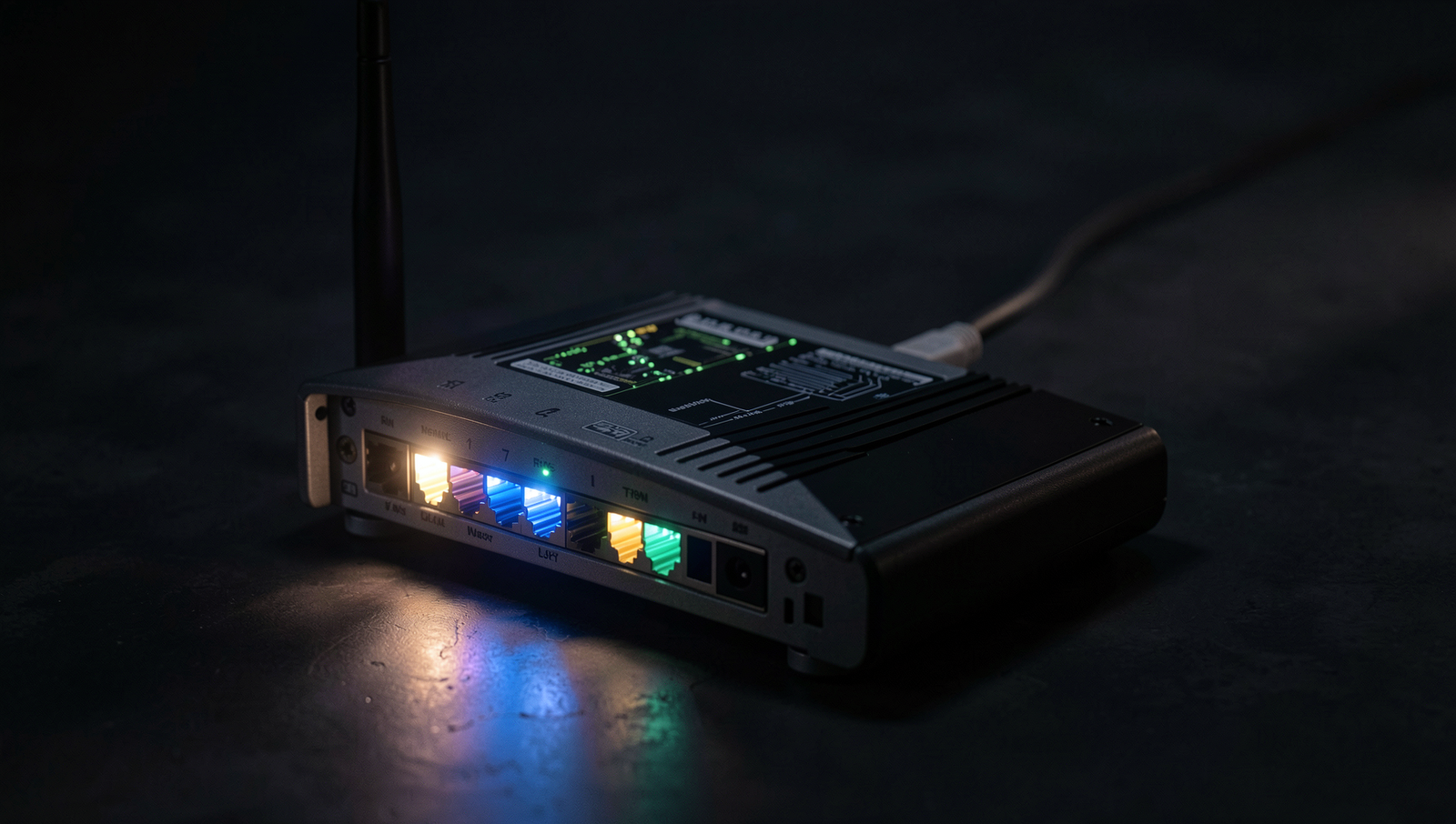
Understanding Router Behavior at Night
Many users are unaware of what your router does after midnight, as it often engages in various maintenance tasks during low-traffic hours. This is crucial for ensuring optimal performance and security of your home network. By scheduling these tasks overnight, routers can minimize disruptions for users who rely on their internet connection during the day.
One of the primary functions routers perform at night is firmware updates. Manufacturers often release updates to improve performance, fix bugs, or enhance security features. These updates are typically scheduled to install automatically during off-peak hours, reducing the likelihood of interruptions. For example, a router may check for updates at 2 AM and install them without any user intervention.
In addition to firmware updates, routers may conduct network traffic analysis. This process helps identify patterns in data usage and optimize performance accordingly. By analyzing traffic, routers can adjust settings to prioritize bandwidth for devices that require it most, such as streaming services or online gaming. This ensures a smoother experience for users when they wake up in the morning.
Security is another critical aspect of what your router does after midnight. Many routers perform automated security scans to detect any vulnerabilities or unauthorized access attempts. This proactive approach helps safeguard your network from potential threats. For instance, a router might run a security check at 3 AM to ensure that no unusual activity has occurred since the last scan.
- Firmware updates for performance and security.
- Network traffic analysis for optimization.
- Automated security scans to protect against threats.
Understanding these nighttime activities can help users appreciate the importance of their router’s role in maintaining a secure and efficient network.

Impact of Scheduled Tasks on Network Performance
When considering what your router does after midnight, it’s essential to understand how scheduled tasks can impact your network performance. Many routers are programmed to perform maintenance tasks during off-peak hours, often late at night. While this is beneficial for ensuring that updates and optimizations occur without disrupting daytime usage, it can still lead to temporary connectivity issues.
One common scheduled task is the installation of firmware updates. These updates are crucial for security and performance enhancements but can cause brief interruptions in connectivity. For example, if your router is set to update at 2 AM, you might experience a few minutes of downtime while the update is being applied. This is particularly important for users who rely on a stable connection for overnight downloads or streaming services.
Additionally, bandwidth allocation may change during maintenance periods. Routers often prioritize certain types of traffic, and during updates, this prioritization can shift. For instance, if your router is downloading a large update, it may allocate less bandwidth to other devices, leading to slower internet speeds for users streaming video or gaming online.
Moreover, the user experience can vary significantly based on individual router settings. Some routers allow users to schedule updates at specific times or even disable automatic updates altogether. Understanding these tasks and their implications can help you plan your internet usage more effectively. Here are a few practical tips:
- Check your router settings to see when updates are scheduled.
- Consider adjusting the update schedule to a time when you are less likely to need the internet.
- Monitor your network performance during these scheduled tasks to assess their impact.
By being aware of what your router does after midnight, you can better manage your internet experience and minimize disruptions.

Security Measures Activated After Hours
When the clock strikes midnight, many people are fast asleep, but your router is still hard at work. Understanding what your router does after midnight can provide insights into the security measures it employs to protect your home network. During these late hours, routers often activate additional security protocols that may not be in effect during the day.
One of the key features that may be enabled is an enhanced intrusion detection system (IDS). This system monitors network traffic for suspicious activity and can be particularly vigilant during the night when fewer devices are typically connected. By analyzing patterns and identifying anomalies, the IDS can alert you to potential threats, ensuring that your network remains secure even when you are not actively monitoring it.
In addition to intrusion detection, many routers perform automatic backups of their settings and configurations during the night. This process helps to ensure that your network can be restored quickly in the event of a failure or security breach. Regular backups can save you from the hassle of reconfiguring your network from scratch.
- Enables enhanced firewall settings.
- Conducts routine scans for vulnerabilities.
- Generates logs of network activity for review.
These logs are crucial for understanding what your router does after midnight. They provide a detailed account of all network activity, which can be invaluable for identifying unauthorized access attempts or unusual behavior. By reviewing these logs periodically, you can take proactive steps to enhance your network security.

User Awareness and Control
Understanding what your router does after midnight is essential for optimizing your home network’s performance. Many users are unaware that they can configure their router settings to enhance connectivity during the night when internet usage may be lower. By adjusting settings such as Quality of Service (QoS) and scheduling bandwidth allocation, users can ensure that critical devices receive priority access to the network.
One practical example is setting up a schedule for automatic updates or backups during off-peak hours. This can be done by accessing the router’s settings and configuring the appropriate time for these tasks. Users can typically log in to their router’s interface using a web browser and entering the router’s IP address. For instance, the command might look like this:
http://192.168.1.1Another important aspect of user awareness is understanding router logs. These logs can provide valuable insights into network performance and potential issues. By regularly reviewing logs, users can identify unusual activity or connectivity problems that may arise during the night. This proactive approach allows for timely troubleshooting and can prevent larger issues from developing.
Additionally, educating users on the importance of firmware updates cannot be overstated. Keeping the router’s firmware up to date is crucial for security and performance. Users should regularly check for updates and apply them as necessary. This can often be done through the router’s settings interface, where users can find an option to check for updates.
- Configure QoS settings for priority devices.
- Schedule updates and backups during off-peak hours.
- Regularly review router logs for unusual activity.
- Keep firmware updated for optimal performance.
By being proactive and informed, users can significantly enhance their network’s performance and security, especially during the quiet hours of the night.
Conclusion
Understanding what your router does after midnight is crucial for optimizing your home network’s performance and security. During these late hours, many routers engage in essential maintenance tasks such as firmware updates, which enhance security features and improve overall functionality. Additionally, routers may also manage bandwidth more effectively during off-peak hours, ensuring that devices connected to the network experience minimal interruptions. This automatic management can lead to a more reliable internet connection for all users in the household.
To take full advantage of what your router does after midnight, consider scheduling updates and maintenance tasks during these hours. Regularly check your router’s settings and firmware to ensure it is up to date. By being proactive, you can enhance your network’s security and performance, making your online experience smoother and safer. Ultimately, understanding these behind-the-scenes processes empowers you to make informed decisions about your home network management.
Frequently Asked Questions
What happens to my internet connection after midnight?
After midnight, your internet connection typically remains stable unless your Internet Service Provider (ISP) performs maintenance or experiences outages. Traffic may decrease during these hours, potentially resulting in faster speeds for users who are still online.
Does my router perform updates at night?
Many routers are programmed to perform firmware updates during off-peak hours, often at night. This helps minimize disruption for users. However, whether this occurs depends on the router’s settings and the manufacturer’s update schedule.
Can my router handle multiple devices at night?
Yes, most modern routers are designed to handle multiple devices simultaneously, even at night. However, performance may vary based on the router’s specifications and the total bandwidth being used by all connected devices.
Is my network more secure at night?
Your network’s security does not inherently improve at night. However, fewer users online may reduce the risk of unauthorized access. It’s essential to maintain strong passwords and security settings regardless of the time of day.