8 min read • 1,635 words
Table of Contents
ToggleCan Your Laptop Run Without Its Battery?
Have you ever wondered, Can Your Laptop Run Without Its Battery?? This question is particularly relevant for users who experience battery issues or want to extend the lifespan of their device. Understanding the operational dynamics of laptops can help you make informed decisions about their maintenance and usage. In this article, we will explore the functionality of laptops when disconnected from their batteries, the implications of removing the battery, and the potential risks involved.
While many laptops can operate directly from a power source, there are important caveats to consider. For instance, removing the battery while the laptop is powered on can lead to data loss, and some models may even require a battery to boot up. Additionally, running a laptop without a battery can introduce power fluctuations that may affect performance. We will delve into these aspects and discuss warranty considerations, ensuring you have a comprehensive understanding of your laptop’s capabilities.
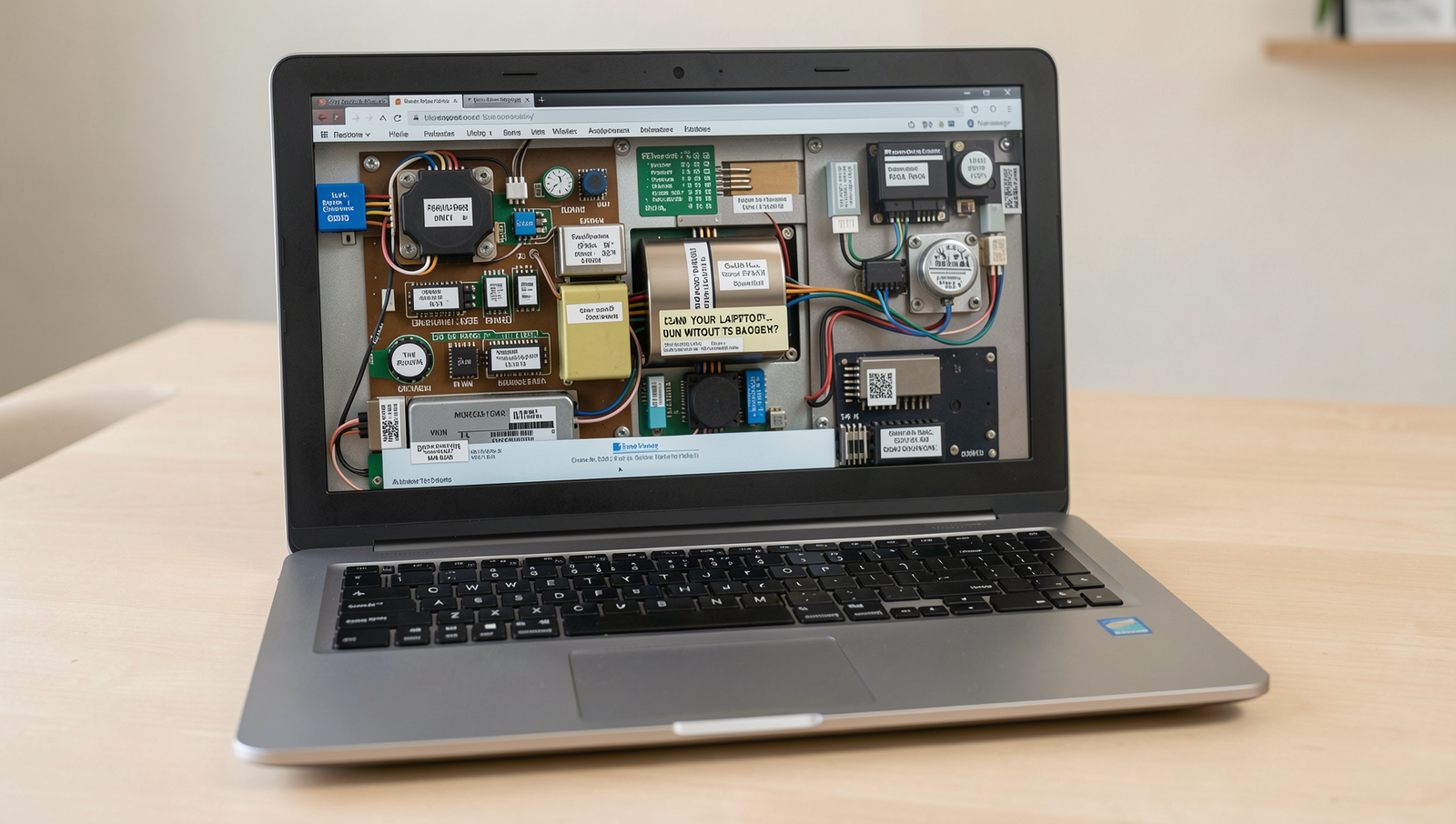
Understanding Laptop Power Systems
Laptops are versatile devices that rely on a combination of power sources to operate efficiently. The primary power source for laptops is the AC adapter, which converts alternating current (AC) from a wall outlet into direct current (DC) that the laptop can use. This power system is designed to keep the laptop running while also charging the internal battery. Understanding how these components work together is crucial for users who wonder, Can Your Laptop Run Without Its Battery?
The battery plays a significant role in laptop operation. It not only provides power when the device is unplugged but also acts as a buffer against power fluctuations. When a laptop is connected to an AC power source, the battery charges, and the laptop can operate without relying solely on the battery. However, if the battery is removed or fails, the laptop may not function properly, as many models require a battery to complete the power circuit.
There is a distinct difference between AC power and battery power. AC power is constant and can provide a steady supply of energy, while battery power is limited and can deplete over time. This difference can impact performance, especially during high-demand tasks such as gaming or video editing. A laptop running solely on AC power without a battery may experience instability or sudden shutdowns if there are any interruptions in the power supply.
- Battery Health: A healthy battery ensures optimal performance and longevity of the laptop.
- Power Management: Laptops are designed to manage power efficiently, switching between AC and battery as needed.
- Portability: The battery allows for mobility, enabling users to work without being tethered to a power outlet.
In conclusion, while some laptops may run without a battery, it is generally not advisable due to the potential for performance issues and instability. Maintaining battery health is essential for ensuring that your laptop operates smoothly and efficiently.

Troubleshooting Power Issues
When considering the question, Can Your Laptop Run Without Its Battery?, it’s essential to understand the signs that may indicate your laptop needs a new battery. If your laptop frequently shuts down unexpectedly, even when plugged in, or if it takes an unusually long time to charge, these could be signs of a failing battery. Additionally, if your laptop only works when connected to a power source and won’t turn on without the battery installed, it may be time to investigate further.
To test if your laptop can run on AC power alone, follow these steps:
- Ensure your laptop is completely powered off.
- Disconnect the battery from the laptop.
- Plug in the AC adapter and connect it to the laptop.
- Press the power button to see if the laptop powers on.
If the laptop powers on without the battery, it indicates that the AC adapter is functioning correctly. However, if it does not power on, you may have a faulty power adapter or an issue with the laptop’s internal components.
If your laptop won’t power on without a battery, consider the following steps:
- Check the AC adapter for any visible damage.
- Test the outlet with another device to ensure it is working.
- Inspect the laptop’s power port for any debris or damage.
Understanding your laptop’s power supply requirements is crucial. Most laptops require a specific voltage and amperage to operate correctly. Refer to the manufacturer’s specifications to ensure your power adapter meets these requirements. If you continue to experience issues, consulting a professional technician may be necessary to diagnose and resolve the problem effectively.

Best Practices for Laptop Battery Care
Maintaining the health of your laptop battery is crucial for ensuring optimal performance and longevity of your device. A well-cared-for battery not only extends the life of your laptop but also enhances your overall computing experience. When considering the question, Can Your Laptop Run Without Its Battery?, it’s essential to understand how battery care impacts your laptop’s functionality.
Here are some best practices for using your laptop on AC power safely:
- Avoid Overcharging: Most modern laptops have built-in mechanisms to prevent overcharging, but it’s still wise to unplug the charger once the battery reaches 100%.
- Keep It Cool: Heat is detrimental to battery health. Ensure that your laptop has proper ventilation and avoid using it on soft surfaces that can block airflow.
- Use the Right Charger: Always use the manufacturer-recommended charger to avoid compatibility issues that could harm the battery.
Knowing when to replace your laptop battery is also vital. Signs that your battery may need replacement include:
- Rapid battery drain, where the laptop loses charge quickly even when not in use.
- Swelling or physical damage to the battery casing.
- Inability to hold a charge, where the laptop only works while plugged in.
To prolong your battery’s lifespan, consider the following tips:
- Regularly calibrate your battery by allowing it to fully discharge and then recharge.
- Adjust your laptop’s power settings to optimize battery usage.
- Store the battery at a moderate charge level (around 50%) if you plan to not use it for an extended period.
By following these practices, you can ensure that your laptop remains functional and efficient, whether it runs with or without its battery.
Conclusion
In summary, the question “Can Your Laptop Run Without Its Battery?” has a straightforward answer: yes, most laptops can operate without a battery when plugged into a power source. This can be particularly beneficial for users who experience battery issues or prefer to use their laptops in a stationary setting. Running a laptop without a battery can help extend the lifespan of the battery itself, as it reduces the number of charge cycles it undergoes. However, it is important to note that without a battery, the laptop will immediately shut down if the power supply is interrupted, which can lead to data loss or corruption.
For those considering this option, it is advisable to ensure that your laptop is designed to function without a battery. Always check the manufacturer’s guidelines and specifications. If you choose to run your laptop this way, be mindful of power stability and consider investing in an uninterruptible power supply (UPS) for added protection against sudden outages.
Real-World Examples
When considering whether a laptop can run without its battery, it’s essential to look at various real-world scenarios that illustrate this capability. Many users have experienced situations where their laptop’s battery has degraded or failed, prompting them to wonder if they can still use their device. Here are some practical examples:
1. **Office Environment**: In a corporate setting, employees often use laptops plugged into docking stations. If the battery is removed or dead, the laptop can still function perfectly as long as it is connected to a power source. This setup allows for uninterrupted work, as the devices are designed to operate directly from the AC power supply.
2. **Gaming Scenarios**: Gamers frequently encounter battery issues, especially when using high-performance laptops. Many gaming laptops can run solely on AC power, providing a stable and powerful performance without the battery. This is particularly advantageous during intense gaming sessions where battery life can be a concern.
3. **Repair and Maintenance**: Technicians often remove batteries from laptops during repairs or upgrades. In these cases, laptops can still be powered on and tested while plugged in. This allows for diagnostics and troubleshooting without the need for a functional battery.
4. **Portable Workstations**: Professionals who rely on portable workstations, such as graphic designers or video editors, may find themselves in situations where their battery is no longer effective. Many of these users prefer to work plugged in to ensure maximum performance and avoid any interruptions caused by battery drain.
5. **Educational Settings**: In classrooms, teachers often use laptops connected to projectors or smart boards. If a laptop’s battery is removed, it can still be used effectively for presentations and lessons as long as it remains plugged in. This ensures that the device can be used continuously without the risk of losing power mid-presentation.
In summary, there are numerous scenarios where a laptop can run without its battery. Whether in a corporate office, during gaming, or in educational environments, understanding how to utilize a laptop without a battery can enhance productivity and ensure that devices remain functional even when battery issues arise.
Frequently Asked Questions

Can my laptop run without its battery?
Yes, most laptops can run without their battery when plugged into a power source. However, if there’s a power outage or if the charger is disconnected, the laptop will shut down immediately, leading to potential data loss.
What happens if I remove the battery?
Removing the battery will cause the laptop to rely solely on the power adapter. This means that if