7 min read • 1,497 words
Can a Computer Work Without an Operating System?
The question “Can a Computer Work Without an Operating System?” is intriguing and essential for understanding computer functionality. While most users rely on operating systems to manage hardware resources and provide user interfaces, it is indeed possible for a computer to operate without one. This article will explore the various scenarios in which a computer can function without an OS, shedding light on bare-metal programming and embedded systems. Readers will gain insights into how computers can perform specific tasks without the overhead of a traditional operating system.
In particular, bare-metal programming allows developers to write software that interacts directly with the hardware, enabling the computer to execute tasks without an OS. Additionally, many embedded systems utilize firmware instead of a conventional operating system, illustrating the versatility of computer architecture. However, it is important to note that without an OS, a computer lacks the ability to manage resources effectively or provide a user-friendly interface.
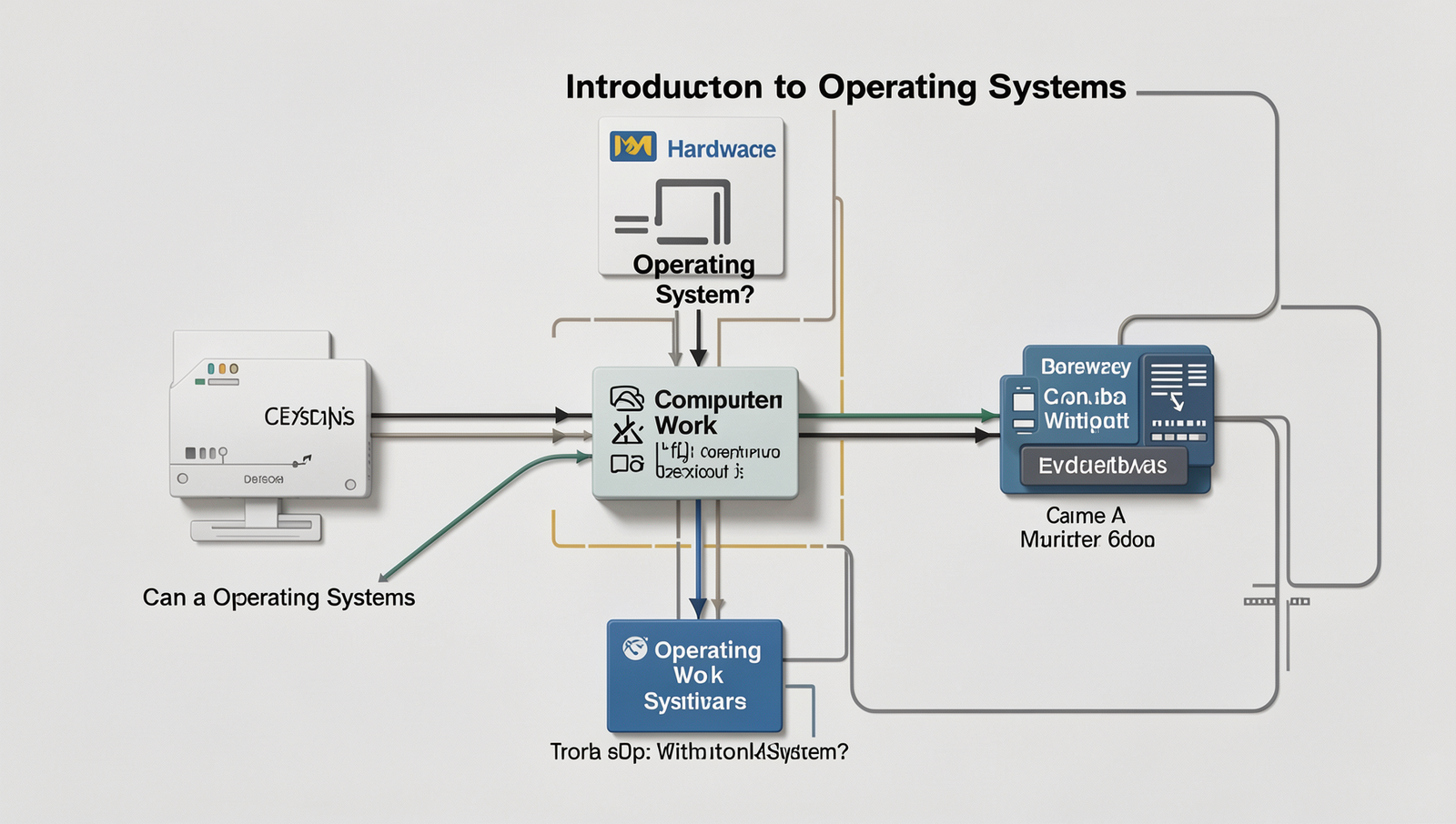
Introduction to Operating Systems
An operating system (OS) is a crucial piece of software that manages computer hardware and software resources and provides common services for computer programs. It acts as an intermediary between users and the computer hardware, enabling users to interact with the system in a user-friendly manner. Without an operating system, users would find it extremely challenging to operate a computer, as there would be no interface to facilitate communication with the hardware components.
Computer architecture consists of various components, including the central processing unit (CPU), memory, storage, and input/output devices. The OS plays a vital role in coordinating these components, ensuring they work together efficiently. It manages tasks such as memory allocation, process scheduling, and device management, which are essential for the smooth operation of applications and services.
The importance of an operating system extends beyond hardware management; it also provides a user interface that allows users to interact with the computer. This can be in the form of a graphical user interface (GUI) or a command-line interface (CLI). The OS simplifies complex tasks, making it easier for users to perform operations without needing to understand the underlying hardware intricacies.
- Windows: A widely used OS known for its user-friendly interface and compatibility with various software applications.
- macOS: Developed by Apple, it is known for its sleek design and seamless integration with other Apple products.
- Linux: An open-source OS that is highly customizable and popular among developers and server environments.
- Android: A mobile operating system based on Linux, primarily used for smartphones and tablets.
In summary, while it is theoretically possible for a computer to operate without an operating system, it would be impractical for most users. The OS is fundamental for managing hardware resources, providing a user interface, and ensuring that applications run smoothly.
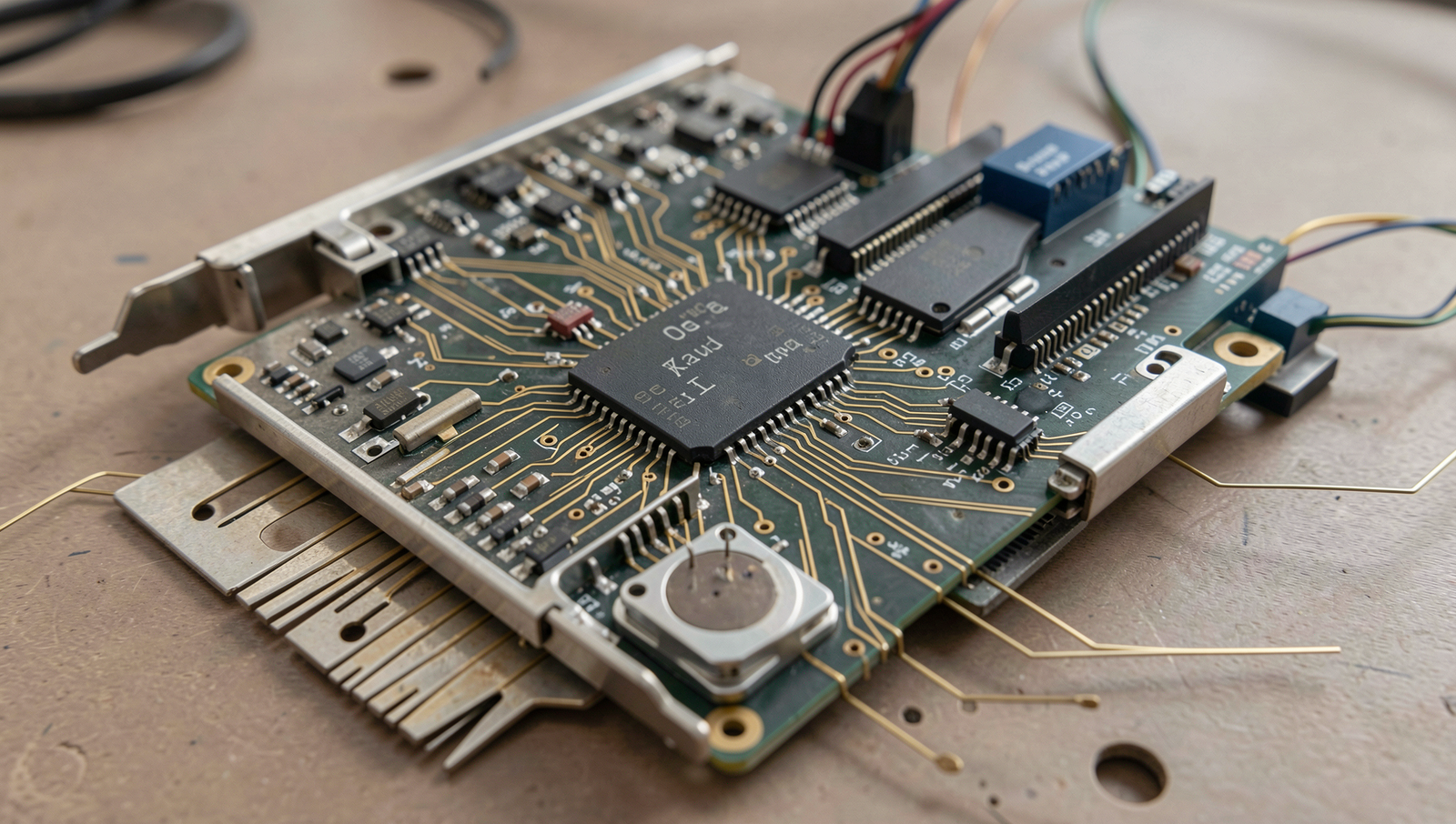
Functionality of Computers Without an OS
Yes, a computer can work without an operating system, primarily through a method known as bare-metal programming. This approach allows developers to write software that interacts directly with the hardware without the intermediary of an OS. Bare-metal programming is often used in embedded systems, where the software is tailored to perform specific tasks on dedicated hardware.
One of the most common applications of bare-metal programming is in microcontrollers, which are small computing devices embedded in various electronic products. For example, a washing machine may use a microcontroller to manage its cycles without needing a full-fledged operating system. This direct control allows for efficient use of resources and faster execution of tasks.
- Embedded systems in automotive applications, such as engine control units (ECUs).
- Consumer electronics like microwave ovens and smart thermostats.
- Industrial automation systems that require real-time processing.
However, there are notable limitations to operating a computer without an OS. One significant drawback is the complexity of managing hardware resources directly. Without an OS, developers must handle memory management, input/output operations, and device drivers manually, which can be time-consuming and error-prone. Additionally, debugging and maintaining such systems can be challenging, as there are no standard tools or interfaces typically provided by an operating system.
Firmware plays a crucial role in systems that operate without an OS. It is a type of software that provides low-level control for a device’s specific hardware. Embedded systems often rely on firmware to perform essential functions, making it possible for these devices to operate efficiently without a traditional operating system.
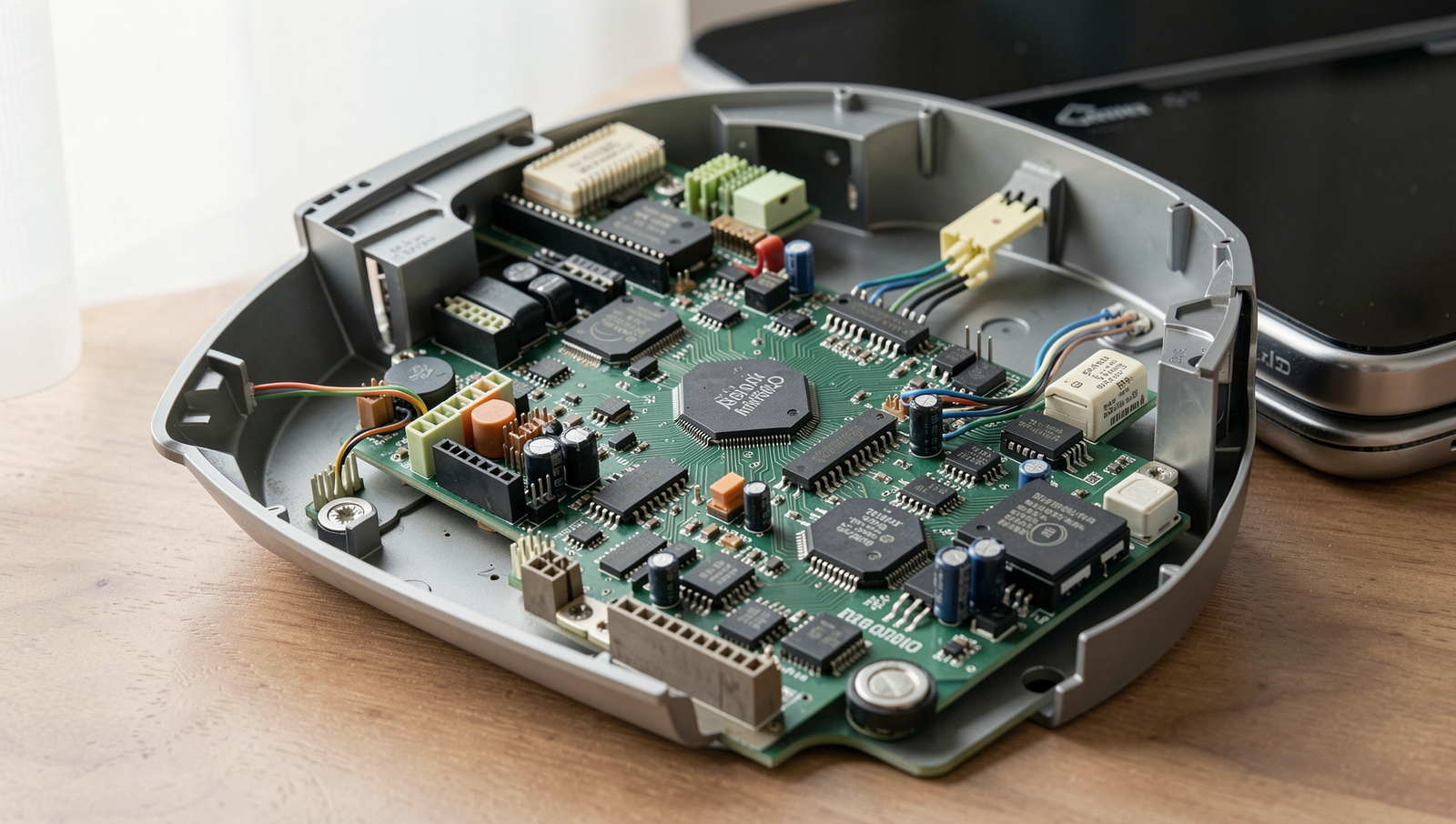
Use Cases for OS-less Computing
While most computers rely on operating systems to manage hardware and software resources, there are specific scenarios where a computer can function effectively without one. These use cases highlight the practicality and efficiency of OS-less computing in various fields.
One of the most prominent examples of OS-less computing is found in embedded systems. These systems are integral to appliances and industrial machines, where they perform dedicated functions without the need for a full-fledged operating system. For instance, a washing machine may use a microcontroller to manage cycles and settings, while an industrial robot might operate on a simple firmware that controls its movements. These systems are designed to be efficient and reliable, often with minimal resource requirements.
Real-time systems also exemplify the need for OS-less computing. These systems require immediate processing and response to external events, making traditional operating systems unsuitable due to their inherent latency. For example, in automotive applications, an airbag deployment system must react within milliseconds to ensure passenger safety. By using custom hardware and software solutions without an operating system, developers can meet stringent timing requirements.
Moreover, the development of custom applications for specific hardware is another area where OS-less computing shines. In scenarios where performance and resource optimization are critical, developers can create tailored solutions that directly interact with the hardware. This approach is common in robotics, IoT devices, and sensor networks.
- Advantages:
- Reduced overhead and increased performance.
- Greater control over hardware interactions.
- Lower resource consumption.
- Disadvantages:
- Increased development complexity.
- Lack of portability across different hardware.
- Limited support for multitasking and user interfaces.
In conclusion, while a computer can indeed work without an operating system, the decision to do so should be based on the specific requirements and constraints of the application at hand.
Conclusion and Future of Computing Without Operating Systems
In summary, the question “Can a Computer Work Without an Operating System?” opens up a fascinating discussion about the fundamental nature of computing. While it is technically possible for a computer to operate without a traditional operating system, the practicality of doing so is limited. Key points from this guide highlight that computers can run bare-metal applications directly on hardware, but this approach often requires specialized knowledge and is generally less user-friendly.
Looking ahead, advancements in hardware may further reduce the reliance on traditional operating systems. For instance, the development of more powerful microcontrollers and System-on-Chip (SoC) designs could enable devices to run specific applications without the overhead of a full-fledged OS. This could lead to more efficient computing in embedded systems, IoT devices, and other specialized applications.
- Virtualization: Technologies like VMware and VirtualBox allow multiple operating systems to run on a single physical machine, optimizing resource utilization.
- Containerization: Tools such as Docker enable applications to run in isolated environments, reducing the need for a complete OS for each application.
These technologies illustrate a shift in how we think about operating systems. Instead of being a necessary layer for all computing tasks, they may become optional for specific applications, particularly in cloud computing and microservices architectures. As we continue to innovate, the role of operating systems may evolve, leading to more modular and flexible computing environments.
In conclusion, while computers can function without an operating system, the future of computing may see a blend of bare-metal applications, virtualization, and containerization, redefining the landscape of how we interact with technology.
Frequently Asked Questions
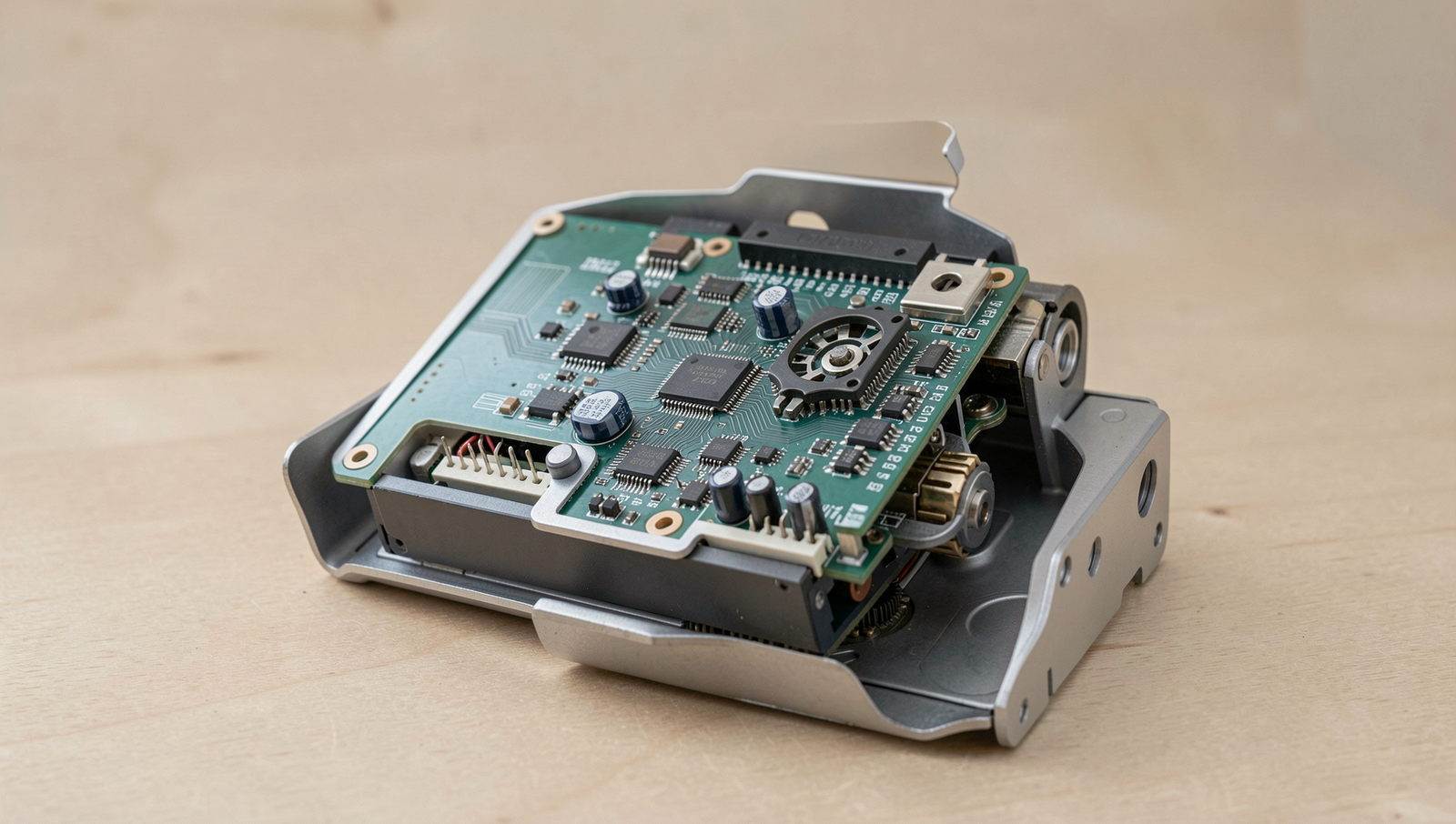
Can a computer function without an operating system?
Yes, a computer can technically function without an operating system, but its capabilities are severely limited. Without an OS, the computer cannot manage hardware resources or run applications, making it difficult to perform any meaningful tasks.
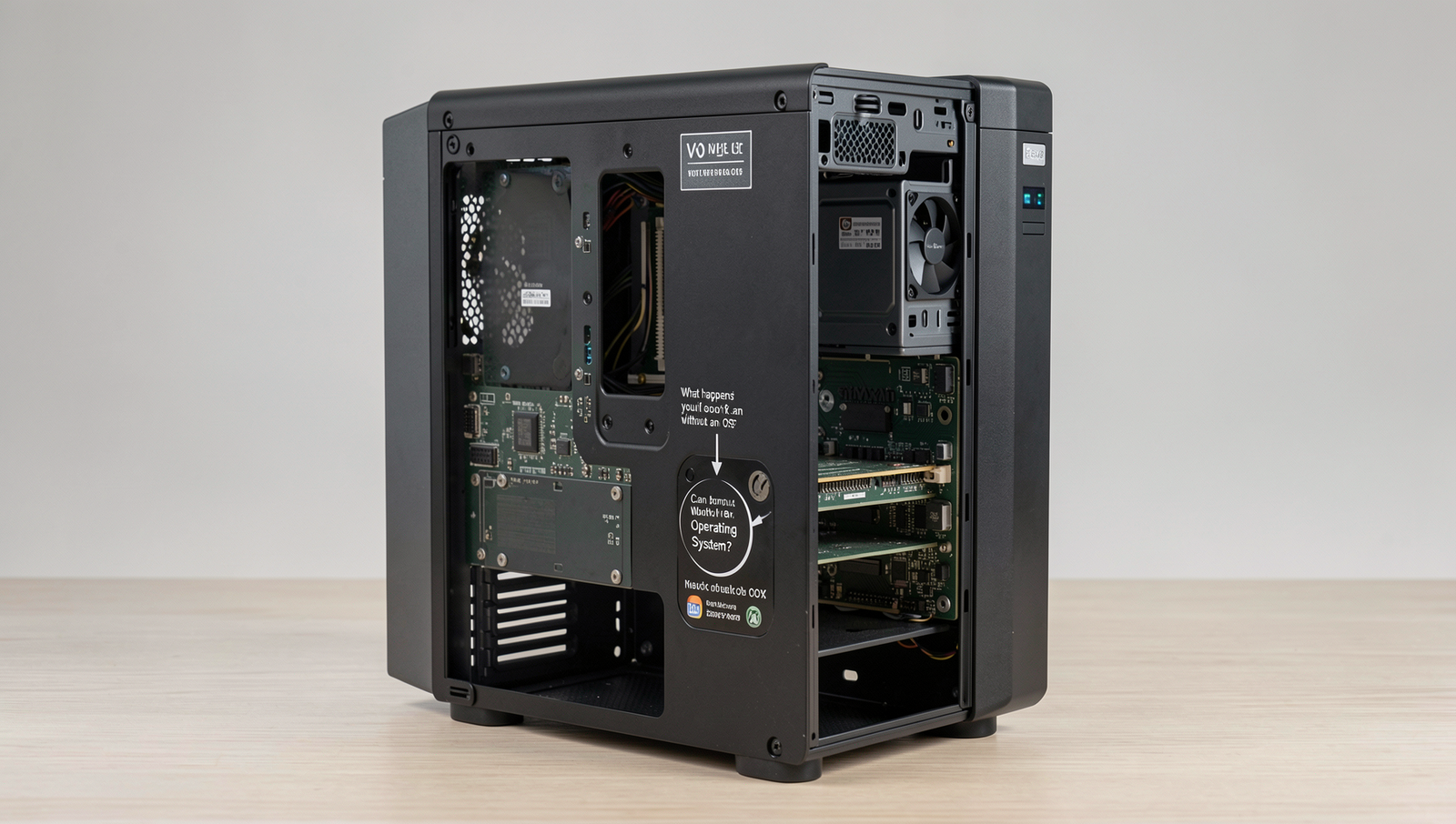
What happens if you boot a computer without an OS?
If you attempt to boot a computer without an operating system, it will typically display an error message indicating that no operating system is found. The computer will not be able to load any software or perform any operations.
Can hardware run programs without an OS?
Hardware cannot run programs without an operating system because the OS acts as an intermediary between the hardware and software. It manages resources and provides essential services that allow applications to function properly on the hardware.
What is the role of an operating system?
The operating system is crucial for managing computer hardware and software resources. It provides a user interface, manages files, controls peripheral devices, and ensures that applications can run smoothly by allocating resources efficiently.