8 min read • 1,630 words
Can Two Devices Share One IP Address?
In today’s digital age, the question “Can Two Devices Share One IP Address?” is increasingly relevant as more households and businesses rely on multiple devices to connect to the internet. Understanding how devices can share a single public IP address is crucial for anyone looking to optimize their network setup. This article will explore the concept of Network Address Translation (NAT), which allows multiple devices on a local network to communicate with the internet through a single public IP address.
When devices are connected to a local network, each is assigned a unique private IP address that is not routable on the internet. NAT plays a vital role in translating these private IP addresses into a public IP address when data is sent out. However, while NAT is beneficial for conserving IP addresses, it can also create challenges for certain applications that require incoming connections, such as online gaming or video conferencing. By the end of this article, readers will gain a deeper understanding of NAT and its implications for their network usage.
Understanding IP Addresses
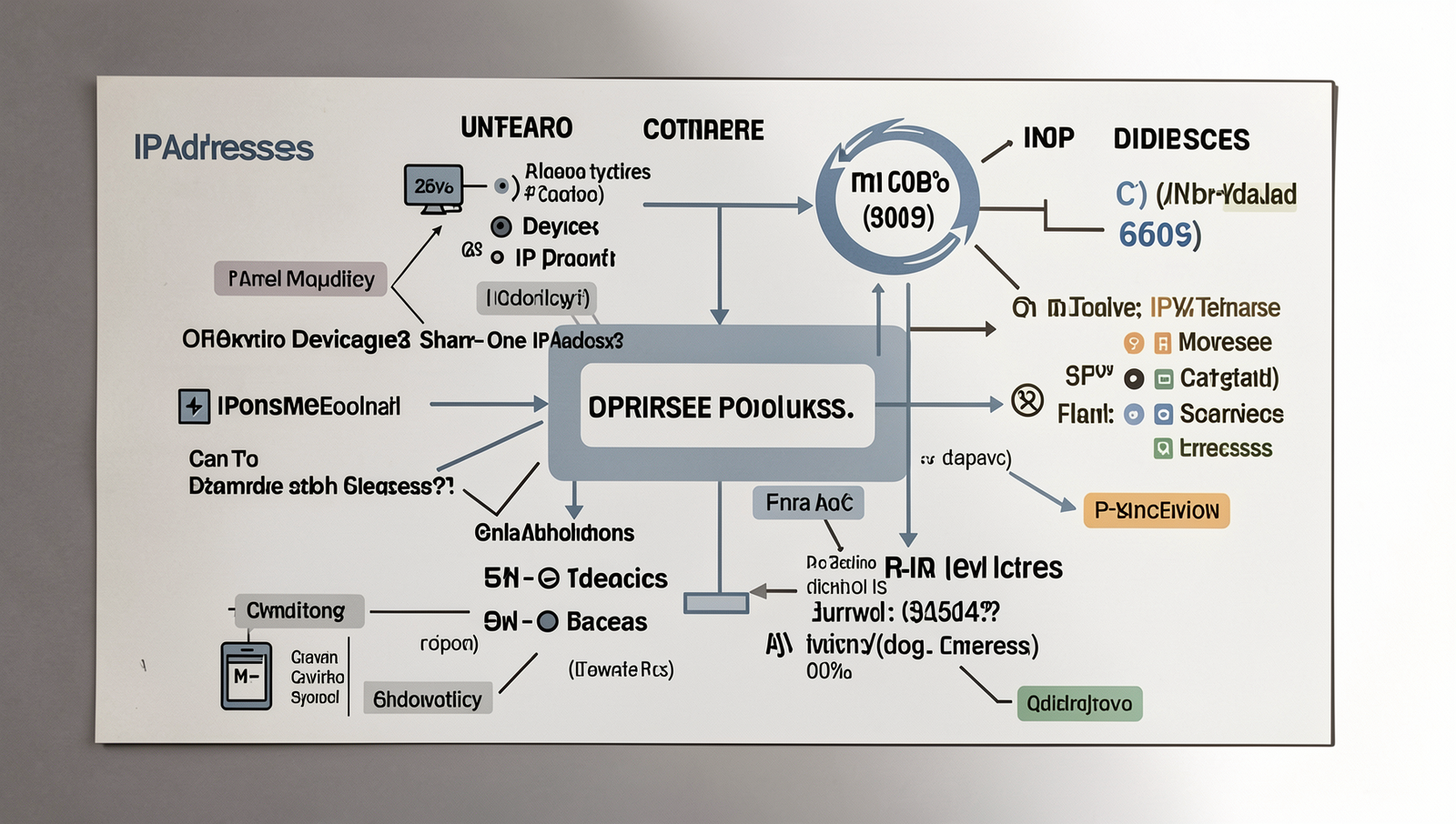
An IP address, or Internet Protocol address, is a unique identifier assigned to each device connected to a network that uses the Internet Protocol for communication. It serves two main functions: identifying the host or network interface and providing the location of the device in the network. There are two primary types of IP addresses: IPv4 and IPv6. IPv4 addresses are composed of four sets of numbers ranging from 0 to 255, separated by periods (e.g., 192.168.1.1). However, due to the growing number of devices connected to the internet, IPv6 was introduced, which uses a longer format with hexadecimal numbers, allowing for a vastly larger number of unique addresses.
IP addresses play a crucial role in networking and internet connectivity. They enable devices to communicate with each other by routing data packets across the internet. Without IP addresses, it would be impossible for devices to identify one another and exchange information effectively.
There are two categories of IP addresses: public and private. Public IP addresses are assigned to devices that connect directly to the internet and are visible to the outside world. In contrast, private IP addresses are used within local networks and are not routable on the internet. Devices within a private network can communicate with each other using private IP addresses, while a router or gateway manages the connection to the public internet.
IP addresses are typically assigned by Internet Service Providers (ISPs). When a user connects to the internet, the ISP allocates an IP address to the user’s device. This can be done dynamically, where the address changes periodically, or statically, where the address remains constant. Understanding how IP addresses function is essential for grasping the concept of whether two devices can share one IP address.
NAT: The Key to Sharing IP Addresses
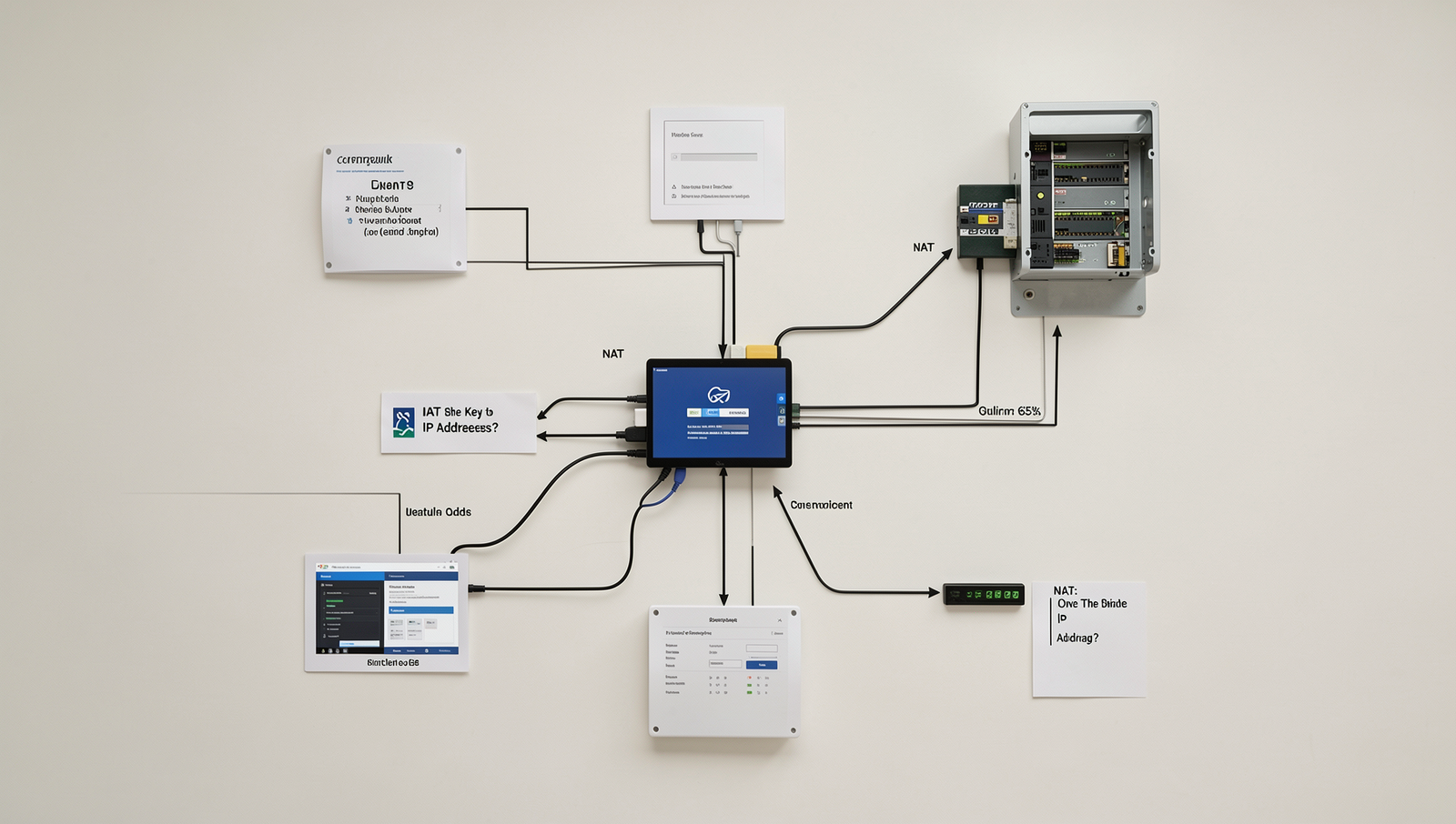
Network Address Translation (NAT) is a technology that plays a crucial role in enabling multiple devices to share a single public IP address. In essence, NAT acts as a bridge between a private network and the public internet, allowing devices within a local network to communicate with external networks while using a single public-facing IP address. This process is essential for conserving the limited number of available IPv4 addresses and is widely used in home and office networks.
When multiple devices connect to the internet through a router, NAT translates the private IP addresses of these devices into the router’s public IP address. This allows each device to send and receive data over the internet without needing its own unique public IP address. The router keeps track of which internal device is associated with which external request, ensuring that data packets are routed correctly back to the originating device.
There are several types of NAT, including:
- Static NAT: This type maps a single private IP address to a single public IP address. It is typically used for devices that need to be accessible from the internet, such as servers.
- Dynamic NAT: This method assigns a public IP address from a pool of available addresses to a private IP address as needed. It is useful for networks with a varying number of devices.
- Port Address Translation (PAT): Also known as NAT overload, this technique allows multiple devices to share a single public IP address by using different port numbers. This is the most common form of NAT used in home networks.
While NAT offers several benefits, such as conserving IP addresses and enhancing security by hiding internal IP addresses, it also has drawbacks. For instance, NAT can complicate certain applications that require direct device-to-device communication, such as peer-to-peer file sharing or online gaming. Understanding these aspects of NAT is essential for anyone looking to optimize their home network and effectively manage multiple devices sharing one IP address.
Setting Up Multiple Devices on a Single IP
When asking the question, Can Two Devices Share One IP Address?, the answer is yes, and it is commonly achieved through the use of a router and Network Address Translation (NAT). This setup allows multiple devices within a local network to access the internet using a single public IP address. Below are the requirements and a step-by-step guide to configuring your home router for this purpose.
Requirements for Sharing an IP Address
- A broadband internet connection
- A router that supports NAT
- Multiple devices (computers, smartphones, tablets, etc.)
Step-by-Step Guide to Configuring a Home Router
To configure your home router for multiple devices, follow these steps:
- Connect your router to the modem using an Ethernet cable.
- Access the router’s web interface by entering its IP address in a web browser. Common addresses include
192.168.1.1or192.168.0.1. - Log in with the administrator credentials (often found on the router or in its manual).
- Navigate to the NAT settings, usually found under the “Advanced” or “Network” section.
- Enable NAT if it is not already enabled.
- Assign static IP addresses to each device if desired, ensuring they are within the router’s subnet.
- Save the settings and reboot the router.
Common Issues and Troubleshooting Tips
While sharing an IP address is straightforward, you may encounter some issues:
- Devices not connecting to the internet: Check the router’s settings and ensure NAT is enabled.
- IP conflicts: Ensure each device has a unique IP address.
- Slow internet speeds: This may occur if too many devices are connected simultaneously.
Security Considerations
When sharing an IP address, consider the security of your network. Use strong passwords for your router and enable firewall settings to protect against unauthorized access. Regularly update your router’s firmware to patch any vulnerabilities.
Real-World Applications and Limitations
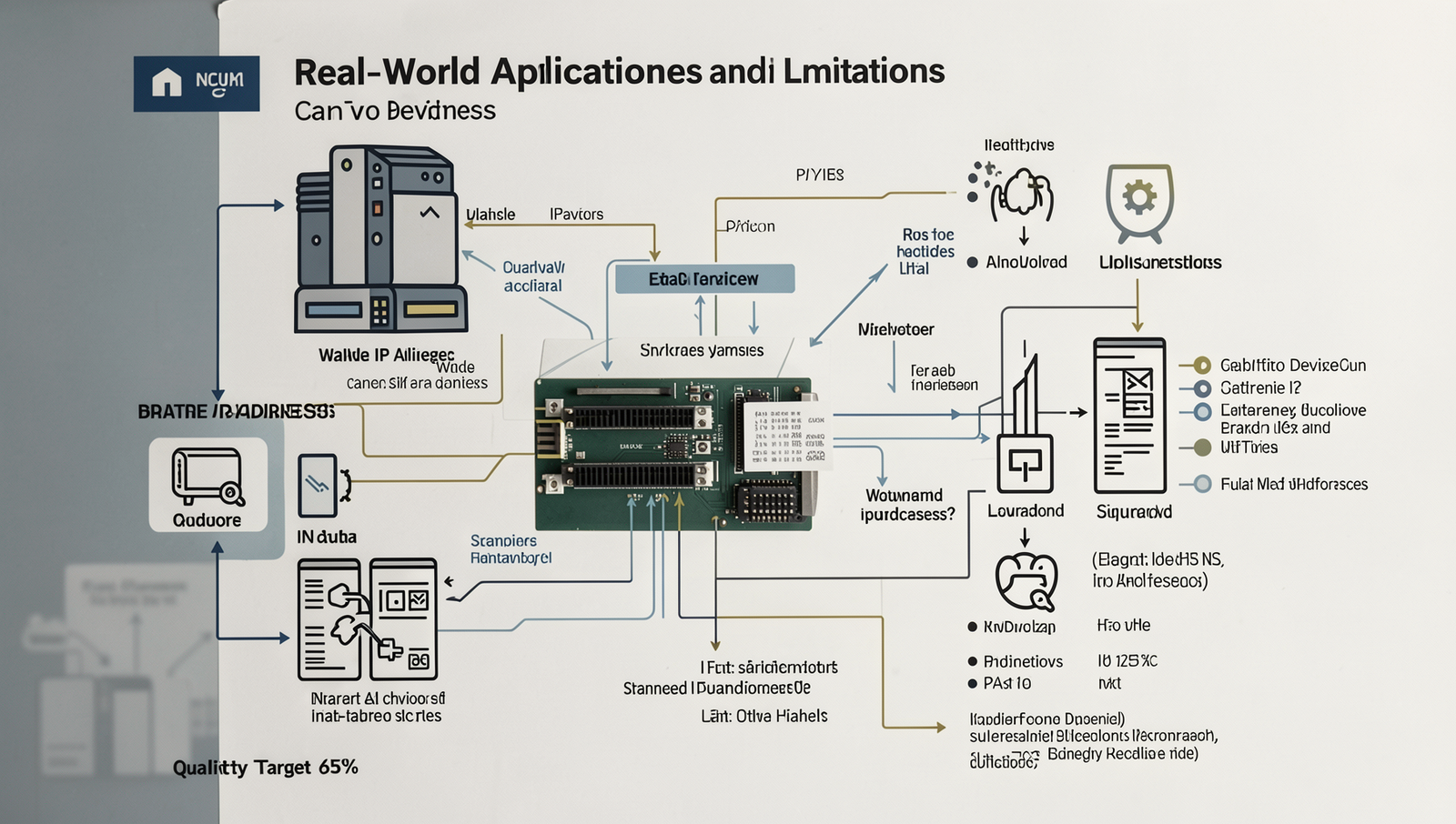
In today’s interconnected world, the question of Can Two Devices Share One IP Address? is increasingly relevant. Many households and businesses utilize a single public IP address to connect multiple devices to the internet. This is commonly achieved through a router, which assigns local IP addresses to each device within the network. For example, in a typical home, a family may have several devices such as smartphones, laptops, and smart TVs all connected to the same router, allowing them to share the single public IP address provided by their Internet Service Provider (ISP).
In office environments, this scenario is even more pronounced. Companies often deploy multiple computers, printers, and other devices that rely on a single IP address to access external networks. This setup not only conserves the limited supply of available IP addresses but also simplifies network management.
- Port Conflicts: One of the main limitations of sharing an IP address is the potential for port conflicts. When multiple devices attempt to use the same port for communication, it can lead to connectivity issues.
- Bandwidth Issues: Sharing a single IP address can also result in bandwidth limitations. If multiple devices are streaming videos or downloading large files simultaneously, the network may become congested, leading to slower speeds for all users.
The impact of sharing an IP address can be particularly noticeable in online gaming and streaming services. For gamers, latency and connection stability are crucial. If multiple devices are using the same IP address, it can create lag and affect gameplay. Similarly, streaming services may struggle to deliver high-quality content if the bandwidth is insufficient due to multiple devices sharing the connection.
Looking to the future, the transition to IPv6 is expected to alleviate many of these issues. With an almost limitless number of IP addresses available, the need for devices to share a single IP address may become a thing of the past. However, until this transition is fully realized, understanding the implications of sharing an IP address remains essential for both home and business users.
Conclusion
In summary, the question “Can Two Devices Share One IP Address?” can be answered affirmatively when considering the use of Network Address Translation (NAT) and other networking technologies. NAT allows multiple devices on a local network to communicate with external networks while sharing a single public IP address. This method not only conserves the limited supply of IPv4 addresses but also enhances security by masking internal IP addresses. Furthermore, technologies such as port forwarding can facilitate specific communication needs for applications running on different devices.
As the demand for internet-connected devices continues to grow, understanding how to effectively manage IP addresses becomes increasingly important. For individuals and businesses alike, leveraging NAT and similar solutions can lead to more efficient network management. Moving forward, it is essential to stay informed about advancements in networking technologies and consider transitioning to IPv6, which offers a vastly larger address space, ensuring that every device can have its own unique IP address.