8 min read • 1,626 words
The Secret Data Stored in Browser Tabs
In today’s digital age, understanding the secret data stored in browser tabs is crucial for maintaining online privacy and security. Every time you open a new tab, your browser may retain various types of information, including session data, user preferences, and login states. This data can enhance your browsing experience but can also pose significant risks if not managed properly. As users increasingly rely on browsers for everyday tasks, the implications of this stored data become more important.
This article will delve into the various types of data that browser tabs can store, such as cookies and local storage, which help save information across sessions. Additionally, we will explore how autofill features can retain sensitive information like credit card details and how browser extensions can access this data, potentially compromising user privacy. By understanding these aspects, readers will learn how to better protect their personal information while browsing.
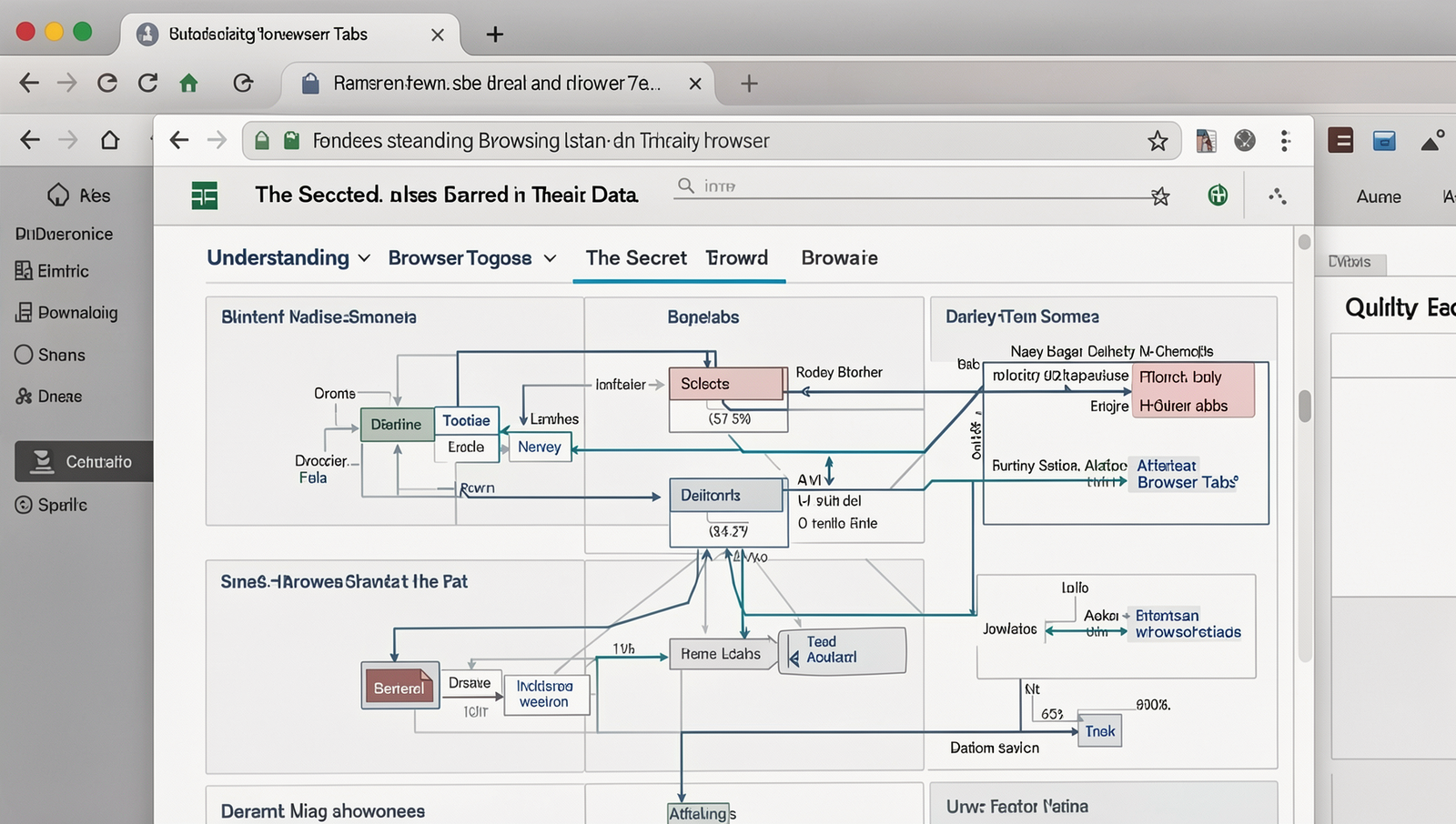
Understanding Browser Tabs and Their Data
Browser tabs are a fundamental feature of modern web navigation, allowing users to open multiple web pages within a single browser window. Each tab operates independently, enabling users to switch between different sites seamlessly without losing their place. This functionality enhances multitasking and improves the overall browsing experience.
Browsers manage tab data efficiently to ensure that each tab retains its state and information. When a user opens a new tab, the browser creates a separate context for that tab, which includes its own history, cookies, and other session data. This management allows users to navigate back and forth between pages without any interruptions.
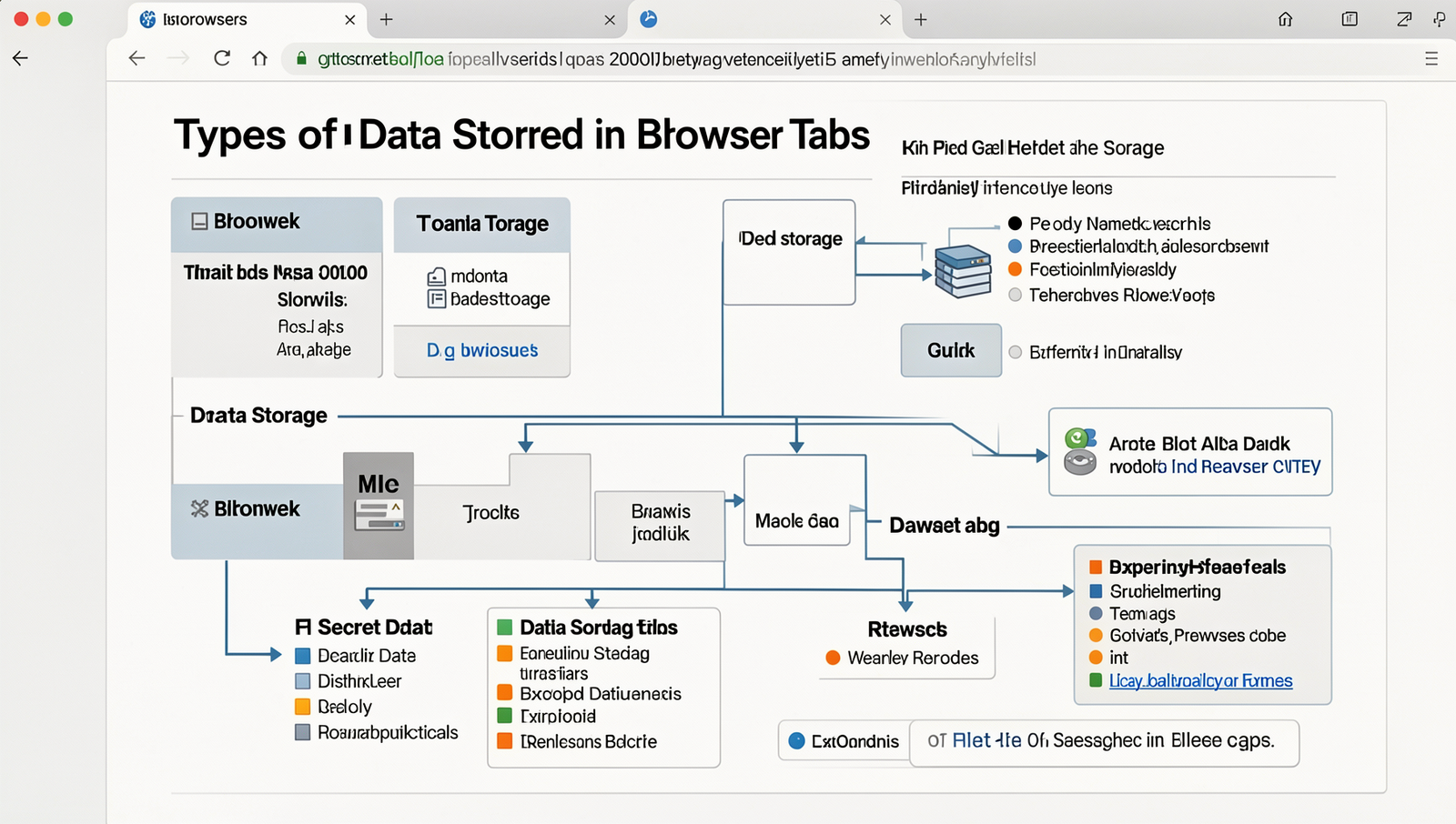
There are several types of data stored in browser tabs, including:
- Cookies: Small pieces of data sent from websites and stored on the user’s computer, which help in remembering user preferences and login information.
- Session Storage: A type of web storage that allows websites to store data for the duration of a page session, which is cleared when the tab is closed.
- Local Storage: Similar to session storage, but data persists even after the browser is closed, allowing for long-term storage of information.
- Cache: Temporary storage of web page resources to speed up loading times for frequently visited sites.
The importance of tab data cannot be overstated. It plays a crucial role in enhancing user experience by providing personalized content and maintaining user sessions. For instance, when you log into a website, cookies help keep you logged in as you navigate between tabs. Understanding the secret data stored in browser tabs can empower users to manage their privacy and optimize their browsing habits effectively.
Privacy and Security Implications
The Secret Data Stored in Browser Tabs can pose significant privacy and security risks. When users open multiple tabs, their browsers often retain a wealth of information, including login credentials, browsing history, and even session tokens. This data can be exploited by malicious actors if proper precautions are not taken.
One of the primary risks associated with stored data in browser tabs is the potential for third-party trackers to access this information. These trackers can monitor user activity across various websites, compiling detailed profiles based on browsing habits. For instance, if a user is logged into a banking site in one tab and then navigates to a less secure site in another, a tracker could potentially capture sensitive data from the banking session.
- Phishing Attacks: Attackers may use stored data to craft convincing phishing emails that target users based on their browsing history.
- Data Leakage: If a user inadvertently shares their screen during a video call, sensitive information from open tabs could be exposed.
- Session Hijacking: Unsecured tabs can lead to session hijacking, where attackers gain unauthorized access to user accounts.
To mitigate these risks, users should adopt best practices for managing privacy settings in their browsers. This includes regularly clearing browsing data, disabling third-party cookies, and using incognito or private browsing modes when necessary. Additionally, there are various tools and extensions available that can enhance browser security.
- Privacy Badger: This extension automatically blocks invisible trackers.
- HTTPS Everywhere: It ensures that users connect to websites securely.
- uBlock Origin: A powerful ad blocker that also protects against tracking.
By being aware of the risks and implementing these strategies, users can better protect their privacy and security while browsing the web.
Managing and Clearing Tab Data
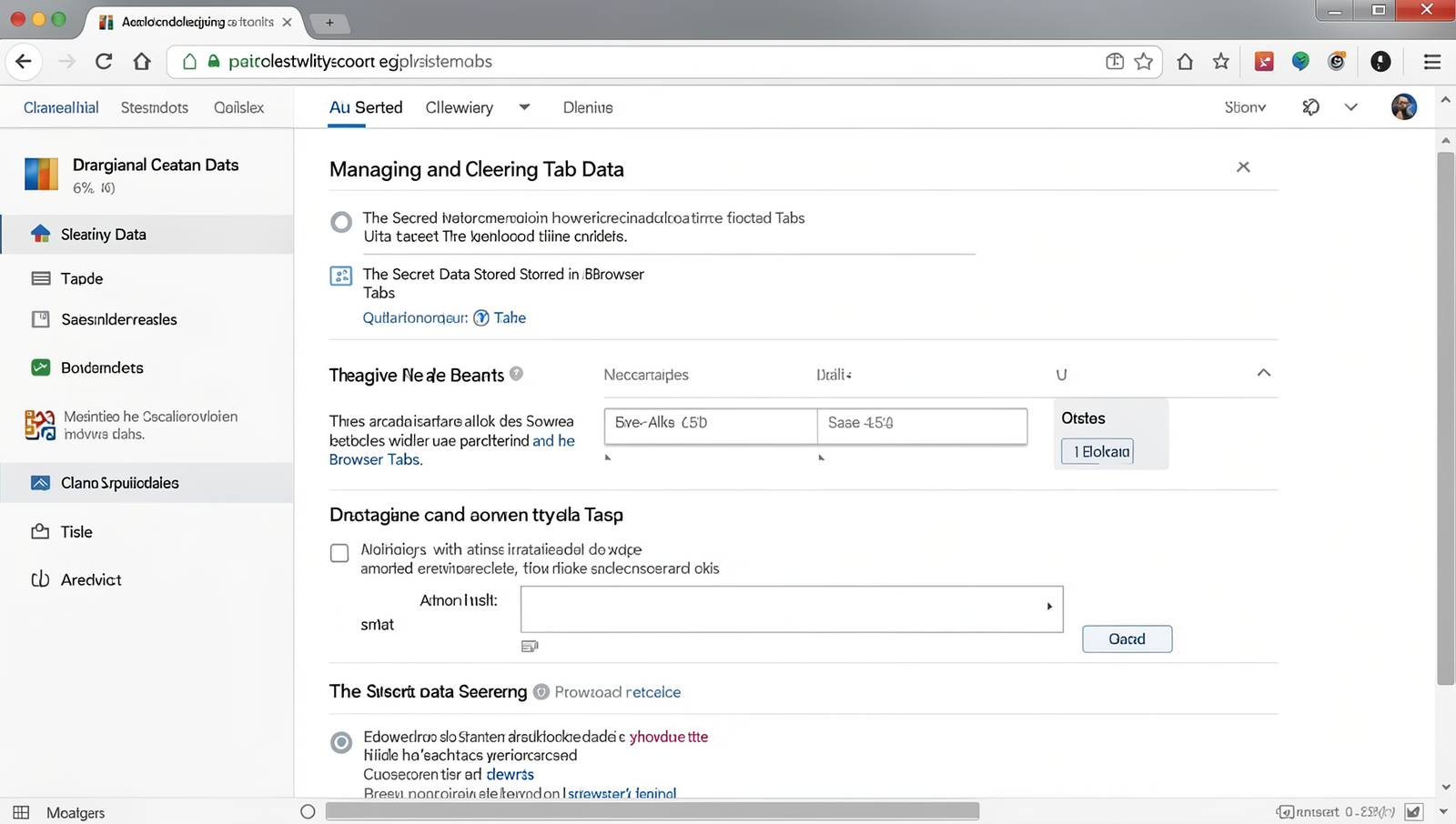
To maintain your browser’s performance and protect your privacy, it’s essential to manage and clear the data stored in your browser tabs. This includes cookies, cache, and local storage. Below is a step-by-step guide to help you clear these data types effectively.
Step-by-Step Guide to Clearing Cookies and Cache
Clearing cookies and cache can free up space and enhance browser speed. Here’s how to do it:
- Open your browser and navigate to the settings menu.
- Look for the “Privacy” or “Security” section.
- Select “Clear Browsing Data” or a similar option.
- Choose the time range for which you want to clear data.
- Check the boxes for “Cookies and other site data” and “Cached images and files.”
- Click on “Clear Data” to complete the process.
Managing Local and Session Storage Effectively
Local and session storage can hold significant amounts of data. To manage them, consider the following:
- Regularly review the data stored in local storage by using the browser’s developer tools.
- Remove unnecessary items manually or through scripts.
Using Browser Developer Tools to Inspect Stored Data
Browser developer tools provide a way to inspect stored data easily. To access them:
Right-click on the page and select "Inspect" or press F12.Navigate to the “Application” tab to view local storage, session storage, and cookies.
Recommendations for Regular Data Maintenance
To enhance performance, consider setting a schedule for regular data maintenance. Clearing data weekly or monthly can prevent slowdowns and protect your privacy.
Conclusion
In summary, the secret data stored in browser tabs can reveal a wealth of information about user behavior, preferences, and online activities. This data, often overlooked, plays a crucial role in enhancing user experience through personalized content and targeted advertisements. Understanding how this information is collected and utilized can empower users to make informed decisions about their online privacy and security. By being aware of the implications of this data, individuals can take proactive steps to manage their browser settings and enhance their online safety.
As we move forward in an increasingly digital world, it is essential to remain vigilant about the secret data stored in browser tabs. Users should regularly review their browser settings, clear cached data, and utilize privacy-focused tools to safeguard their information. By taking these next steps, individuals can enjoy a more secure browsing experience while still benefiting from the conveniences that modern web technologies offer.
Real-World Examples
Understanding the secret data stored in browser tabs can help users make informed decisions about their online privacy and security. Many people are unaware that their browser tabs can hold sensitive information that could be exploited by malicious actors. Here are some real-world examples that illustrate the implications of this hidden data.
Consider a scenario where a user is logged into their online banking account in one tab while browsing social media in another. The browser may store session cookies and cached data from the banking site, which could be accessed by malicious scripts running on the social media site. If the user inadvertently clicks on a malicious link, the attacker could potentially hijack the session and gain access to the user’s financial information.
Another example involves online shopping. When users add items to their cart, the browser saves this information to improve user experience. However, if a user shares their screen during a video call or leaves their device unattended, sensitive data such as credit card information or personal addresses could be exposed. This highlights the importance of logging out of accounts and clearing browser data regularly.
- Phishing Attacks: Attackers can create fake login pages that mimic legitimate sites. If a user has their credentials saved in the browser, they may unknowingly provide this information to the attacker.
- Data Leakage: Websites can track users through persistent cookies stored in browser tabs, leading to unwanted targeted advertising and potential data breaches.
- Cross-Site Scripting (XSS): Malicious scripts can exploit vulnerabilities in web applications, allowing attackers to access data stored in browser tabs, including sensitive information.
These examples underscore the necessity for users to be vigilant about the data stored in their browser tabs. By understanding the risks associated with this hidden information, individuals can take proactive steps to safeguard their online presence. Regularly updating browser settings, using privacy-focused extensions, and practicing safe browsing habits can significantly reduce the risk of data exposure.
Frequently Asked Questions
What types of data are stored in browser tabs?
Browser tabs can store various types of data, including cookies, session data, cached files, and local storage. This information helps websites remember user preferences, login sessions, and other personalized settings, enhancing the overall browsing experience.
How can I view the data stored in my browser tabs?
To view the data stored in your browser tabs, you can use the developer tools available in most modern browsers. Access these tools by right-clicking on the page and selecting “Inspect,” then navigate to the “Application” tab to explore stored data.
Is the data stored in browser tabs secure?
The security of data stored in browser tabs depends on various factors, including the browser’s security settings and the website’s protocols. While most browsers implement security measures, users should remain cautious about sensitive information and use secure connections.
Can I clear the data stored in browser tabs?
Yes, you can clear the data stored in browser tabs by accessing your browser’s settings. Look for