8 min read • 1,635 words
Table of Contents
ToggleWhat Your Phone Does While You Sleep
Have you ever wondered what your phone does while you sleep? Many people assume their devices are simply idle, but the reality is quite different. Your smartphone remains active, receiving notifications and updates even when you’re fast asleep. This constant activity can impact battery life and data usage, making it essential to understand the implications of your phone’s nighttime behavior.
In this article, we will explore the various functions your phone performs while you rest. From background apps running and consuming resources to system updates that occur during the night, you’ll learn how these processes can affect your device’s performance. Additionally, we will discuss how sleep tracking apps monitor your sleep patterns and the potential risks of charging your phone overnight, including battery wear due to heat. Understanding what your phone does while you sleep can help you manage your device more effectively.
Data Synchronization and Updates
While you sleep, your phone is hard at work performing various tasks to ensure it remains up-to-date and functional. One of the primary activities is background app updates. Many applications are designed to update automatically during the night, allowing you to wake up to the latest features and security patches. This process is crucial for maintaining the performance and security of your device.
For instance, popular apps like Facebook and WhatsApp often receive updates that fix bugs or introduce new functionalities. By updating while you sleep, these apps minimize disruption to your daily activities. You might not even notice these updates, but they play a significant role in enhancing your user experience.
Another essential function your phone performs is syncing with cloud services. This process ensures that your files, photos, and other data are backed up securely. Services like Google Drive and iCloud automatically sync your content, so you can access it from any device. This is particularly useful if you take photos or create documents during the day, as they will be available on your other devices by morning.
- Cloud services sync files and photos to ensure data is backed up.
- Apps update in the background to ensure you have the latest features and security patches.
- Social media apps may refresh feeds to show new content upon waking.
Additionally, social media applications may refresh their feeds overnight. This means that when you wake up, you can scroll through new posts and updates from friends and family without waiting for the app to load. Overall, understanding what your phone does while you sleep can help you appreciate the technology that keeps you connected and informed.
Battery Management and Optimization
While you sleep, your smartphone engages in various battery management and optimization processes to ensure that it remains functional and ready for use when you wake up. One of the primary functions is entering low-power modes. These modes significantly reduce the phone’s energy consumption by limiting background activities and dimming the display. For instance, notifications may be delayed, and apps may be restricted from running unless necessary.
Another important aspect of battery management is adaptive brightness and screen timeout settings. When your phone detects that it is not in use, it automatically dims the screen and may even turn it off after a set period. This not only saves battery life but also prolongs the overall lifespan of the display. Users can customize these settings to optimize their phone’s performance according to their preferences.
- Adaptive Brightness: Automatically adjusts screen brightness based on ambient light conditions.
- Screen Timeout: Sets a timer for how long the screen stays on when not in use.
- Low-Power Mode: Limits background processes and reduces performance to conserve battery.
Additionally, many smartphones come equipped with battery health management features. These features perform checks and calibrations while you sleep to ensure that the battery is functioning optimally. For example, the phone may run diagnostics to identify any potential issues, allowing for timely maintenance or updates. Understanding what your phone does while you sleep can help you appreciate the technology that keeps your device running efficiently.
Security and Privacy Measures
While you sleep, your phone engages in several critical security and privacy measures to ensure that your data remains safe and secure. These processes are essential in protecting against potential vulnerabilities that could be exploited by malicious entities. One of the primary functions is the application of security updates. These updates are designed to patch any known vulnerabilities in the operating system or installed applications, thereby fortifying your device against attacks.
Additionally, many smartphones utilize biometric systems, such as fingerprint scanners or facial recognition, to conduct integrity checks. These systems verify that the device has not been tampered with and that unauthorized access is prevented. For example, if someone attempts to unlock your phone while you are asleep, the biometric system will deny access if it does not recognize the user.
Another important aspect of what your phone does while you sleep involves managing notifications. Many devices allow users to set notifications to be private, ensuring that sensitive information remains confidential. This feature is particularly useful for protecting personal messages or alerts that may contain sensitive data. Users can customize their notification settings to ensure that only certain notifications appear on the lock screen, thereby safeguarding their privacy.
- Security updates are automatically downloaded and installed.
- Biometric checks verify device integrity.
- Private notifications prevent unauthorized viewing of sensitive information.
- Remote wipe features can be activated in case of theft.
In addition to these measures, many smartphones come equipped with remote wipe features. This allows users to erase all data on their device if it is lost or stolen, ensuring that personal information does not fall into the wrong hands. Overall, these security and privacy measures are vital components of what your phone does while you sleep, providing peace of mind and protecting your digital life.
Conclusion
Understanding what your phone does while you sleep is essential for optimizing its performance and ensuring your privacy. Throughout the night, your device may engage in various activities such as updating apps, syncing data, and receiving notifications. These processes can drain battery life and consume data, potentially leading to unexpected charges. By being aware of these functions, you can make informed decisions about your phone’s settings, such as enabling battery saver modes or disabling background app refresh during nighttime hours.
Moreover, this knowledge empowers you to take control of your digital environment. By adjusting your phone’s settings, you can enhance its efficiency and prolong battery life, ensuring that it remains ready for use when you wake up. As you reflect on what your phone does while you sleep, consider implementing these changes to improve your overall smartphone experience and protect your privacy while you rest.
Real-World Examples
Understanding what your phone does while you sleep can help you appreciate the technology that keeps you connected and informed. Many people are unaware of the various processes and tasks that occur during the night, often while they are blissfully unaware. Here are some real-world examples of what your phone does while you sleep:
1. **Software Updates**: Many smartphones are programmed to download and install software updates during the night. This is often scheduled for late hours to minimize disruption. For instance, if you own an iPhone, you might find that your device updates to the latest iOS version while you sleep, ensuring that you wake up to improved features and security patches.
2. **App Refresh**: Background app refresh is another critical function that takes place while you sleep. Apps like social media platforms, news aggregators, and email clients often pull in new content during the night. For example, when you wake up in the morning, your Instagram feed may already be populated with new posts, and your email inbox will be updated with messages received overnight.
3. **Data Backup**: Many phones automatically back up data to the cloud while you sleep. This can include photos, contacts, and app data. For instance, if you use Google Photos, your images may be uploaded to your account while you rest, ensuring that your memories are safe and accessible from any device.
4. **Battery Management**: Your phone also manages its battery life while you sleep. Features like “Doze” mode on Android devices help conserve battery by limiting background activity. This means that while you are sleeping, your phone is intelligently managing power usage to ensure it’s ready for you in the morning.
5. **Notifications and Alerts**: While you may silence notifications at night, your phone still processes alerts and notifications. For example, if you receive a text message or a social media notification, your phone logs these events, and you can catch up on them when you wake up. This ensures that you are always in the loop, even if you choose not to engage with your phone during the night.
These examples illustrate just a fraction of what your phone does while you sleep. By understanding these processes, you can better appreciate the technology that keeps you connected and informed, making your daily life more efficient and enjoyable.
Frequently Asked Questions
What apps run in the background while I sleep?
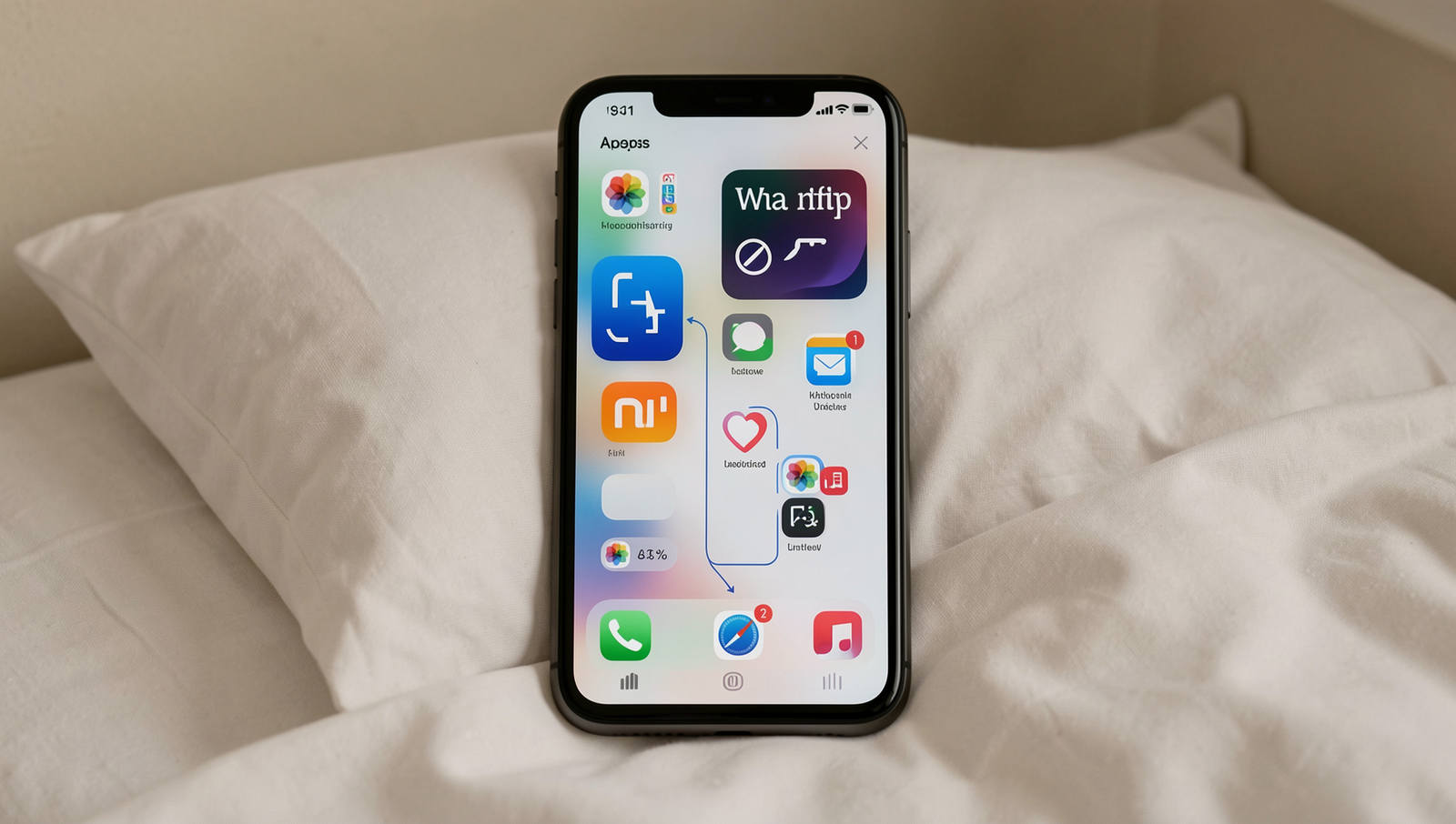
While you sleep, various apps may run in the background, including messaging apps, email clients, and social media platforms. These applications often check for updates, notifications, and messages to ensure you stay connected when you wake up.
Does my phone use data while I’m asleep?
Yes, your phone can use data while you sleep. Apps may continue to sync information, download updates, or send notifications, all of which can consume mobile data. It’s advisable to check your settings to manage data usage effectively during the night.